
Multimodal Gemini 4 Argon: analyzing images, video and PDFs
Multimodal Gemini 4 Argon: supported inputs, text output, video analysis and limits. Two SME examples for checking evidence and missing information.
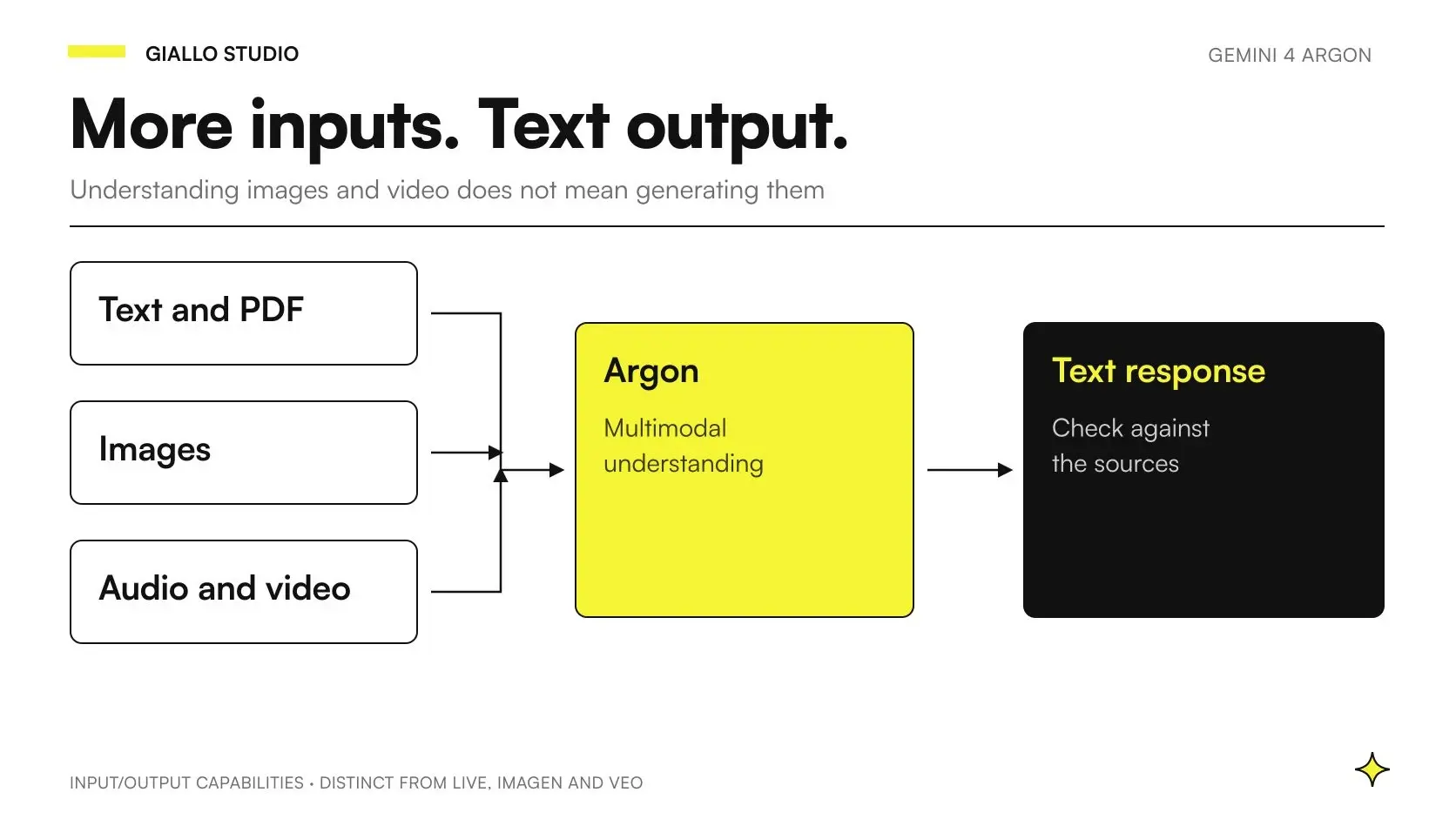
Multimodal Gemini 4 Argon can receive text, images, video, audio and PDFs and produce a text response. Analyzing existing media and generating new media are different capabilities: Argon's model page specifies text output, without direct image or audio generation and without Live API support. Specifications verified as of 23 October 2026. Official model page.
For an SME, a useful case might be preparing observations from product photos, finding a step in a training video or reading a table within a PDF. The result must let someone locate the evidence and recognize what the material does not demonstrate. The multimodal AI guide explains the concept; here we distinguish inputs, limitations and test criteria.
In summary
- Argon analyzes multiple content types, but its documented output is text.
- A photograph can support a visible observation, not a hidden characteristic.
- For video, the processing mode must be chosen and verified.
- Resolution, sampling and context affect what the model can examine.
- Every operational proposal must distinguish evidence, inferences and missing information.
What does multimodal mean for businesses using Argon?
A multimodal model can use information expressed through different media in the same task. For example, a sales description can be compared with a photo and PDF datasheet. The business interest lies in connecting sources: the owner wants to know which field appears inconsistent and where to check it, without reconstructing all the material each time.
The result must not confuse observation with interpretation. «This code can be read in the photo» is a statement to check against the visible detail. «The product definitely belongs to this series» may require a catalog match. «The material is certified» needs another source. The process must preserve these distinctions even when generated text sounds confident.
Before choosing the input, define the expected result. Checking a label needs readable detail; summarizing a demonstration needs temporal context; interpreting a table may need headings and notes. Sending more files without clarifying the task makes it harder to verify which evidence was actually used.
Which files and limits should you check?
Argon's window is unified: 1.048.576 tokens across input, thinking and output. Normal synchronous output reaches 65.536 tokens; long decode requires the handling described in the guide. These figures do not guarantee a set number of images or minutes for every request. Specifications and context management.
Media guides add content and transport constraints. For images, Google lists PNG, JPEG, WebP, HEIC and HEIF. The general guide specifies up to 3.600 images per request: model context and other channel limits still apply. This is not a recommended target for a first pilot. Official image guide.
| Input | Business result to assess | Limitation to make visible to the reviewer |
|---|---|---|
| Image | Label reading, description, comparison with a source | Unreadable, cropped or invisible details |
| Video | Index of steps or answer about a segment | Sampling, mode and unexamined sections |
| Audio | Summary or extraction from a recording | Unintelligible sections and missing context |
| Comparison of text, charts and tables | Page quality and document version | |
| Text with media | Comparison between description and content | Source conflicts and unsupported inferences |
The PDF guide describes analyzing text and visual elements in documents up to 1.000 pages; the project must still fit within the request's actual limits. Document understanding. Do not turn the technical maximum into a promise of complete understanding: an accepted page may contain hard-to-read details or relationships that need checking.
For uploads, formats and sizes, check the channel's official pages before implementation. General guides may have different limits for different input methods. In the pilot, set a smaller, observable scope: allowed file types, size accepted by the application and conditions requiring a new capture.
How do you prepare images that produce verifiable observations?
Keep an identifier for every image and state what it represents. If you send multiple views of the same product, the system must be able to associate each observation with the correct file. Avoid leaving this correspondence to the random order of attachments. The reviewer must be able to open the image supporting the flagged field.
A blurry photo should be recognized as insufficient input. Asking the model to complete barely legible text can produce a plausible but incorrect code. Include the value read, image reference and status in the output format: verifiable, uncertain or unreadable. Comparison with master data belongs to a separate step.
Crops and resolution are also design choices. A close-up can help read the label, while the full view establishes which object it belongs to. Compare both needs on the sample. Google documents that higher resolution can help with details while increasing tokens and latency. Image resolution and limits.
How does video differ between static and agentic modes?
The video guide describes the default static mode at one frame per second for Gemini 4 too. Argon also supports an optional agentic mode, in which the model explores the sequence and consults segments according to the question. These modes behave differently and should not be confused. Official video understanding guide.
For a brief general summary, consider the static approach; to find a passage in long content, try the agentic one. The choice does not remove the need for checks. A fast event can fall between sampled frames; a targeted search may not support a conclusion about the entire recording. The result must remain proportionate to the task performed.
Request time references useful to the reviewer and compare them with the original file. A timestamp helps locate a point, without demonstrating that every relevant action was found. If a response says something does not happen, ask what coverage of the recording was actually verified. Absence from the result is not enough to prove absence from the video.
Does Argon generate new media, or do you need other models?
Maintain the distinction even when an interface brings several functions together under the Gemini brand. To generate an image or video, the project must choose the dedicated model and check its availability, costs and output methods. Do not attribute that function to Argon just because the system uses Argon to prepare a description or brief.
Historical names require care. As of 23 October 2026, the Imagen page states that its models are no longer available in the Gemini API and points to Nano Banana. Official Imagen status. The video guide also reports the shutdown of Veo 3.1 Preview in the Gemini API on 22 October, pointing to Gemini Omni Flash or GA models available through the Cloud channel cited. Video generation status.
These notices concern those models and channels; they do not demonstrate the shutdown of every product using the Veo name. Likewise, the Live API is a route for real-time interactions, with its own requirements and models. Live API overview. Argon should not be presented as an automatic replacement for a live voice assistant.
How can a small manufacturer check photographs and datasheets?
Hypothetical scenario: a manufacturer prepares product listings for an online catalog. It has photographs, an approved product table and technical PDFs. The pilot must flag inconsistencies before publication. Input includes one product per case, with a verified identifier and sources the owner can consult.
The expected output is an internal record: field checked, table value, media observation, reference and verification status. If the photo shows packaging with different wording, the system flags the conflict. It does not automatically correct the authoritative data or assume the photographed packaging is the latest revision.
The system must leave material, dimensions and certifications unknown when no adequate source exists. A shiny surface does not prove the material; the number of visible objects does not prove the standard package contents. A sales description can be prepared only using approved attributes, with uncertain observations excluded or sent for review.
The sample includes a cropped label, two almost identical products, a photo of old packaging and a table without units of measurement. Acceptance requires uncertainty to stay visible and no unsupported characteristic to enter the approved draft. The alert goes to the catalog owner; publication remains a separate step.
How can you find steps in a warehouse training video?
Second hypothetical scenario: a distributor wants to make its internal demonstrations searchable. The pilot uses an authorized video on preparing a shipment and the approved written procedure. The user asks where a particular step is shown; the goal is to prepare a training index, without certifying the accuracy of the entire activity.
Output contains the suggested segment, a description of what appears and a reference to the procedure. If the video shows a step different from the document, the result flags the conflict to the owner. The recording shows a particular execution; it does not automatically become the company rule. If a detail is out of frame, the system must say so.
Tests include two similar steps at different times, a label visible for only an instant, a section without intelligible audio and a question about an absent action. The reviewer opens the suggested segments and checks relevance. Verification must also include missing results: finding a good timestamp does not demonstrate that every occurrence was identified.
Acceptance concerns the index's usefulness, correspondence with segments and recognition of limitations. Files must remain accessible only to the designated roles. Extending search across multiple documents and videos also requires archive assessment: model support for inputs does not prove every indexing tool accepts the same formats. Read more about Argon and business RAG.
How should you retain originals and references for verification?
The result must keep referring to the same original the model examined. If you replace a video but keep its name, old timestamps can point to different steps. Associate a version and identifier with the media; when a file changes, reassess the index and flag which results still derive from the previous version. The same applies to a photograph cropped or rotated after analysis.
The Files API documents automatic deletion of uploaded files after 48 hours. That duration concerns this service, without defining retention for your archive or application outputs. Management and lifetime of uploaded files. Plan how the reviewer will find an authorized copy of the original and how to handle expired references, revocations and retained results. A link that stops working makes a response hard to check even when its text is still available.
How do you assess errors, cost and result review?
Divide errors into capture, interpretation and comparison. If a detail is missing from the image, change the capture. If the detail is present but misread, assess resolution and model. If it is read correctly but associated with the wrong product, fix the application link. Changing every component together prevents you from understanding which intervention helps.
Mistakes to avoid include requesting measurements without adequate references, treating an inference as an observation, inferring absence from partial sampling and confusing analysis with generation. Another mistake is testing only perfect media: the sample must include files the team actually receives, sanitized and authorized for the test.
Record usage, duration, rejections and reviewer effort by input type. A PDF with dense tables and a short message are not equivalent jobs. The guide to Gemini 4 Argon costs helps interpret usage; the API guide describes statuses and recovery for long requests.
Open the criteria for approving a multimodal pilot
- Every file has an identifier, origin and authorization for use.
- The result links observations to the correct media or segment.
- Visible information, inferences and missing data remain distinct.
- Blurry, cropped or incomplete files produce a recognizable status.
- The video test considers mode, sampling and missed occurrences.
- No unsupported characteristic is published automatically.
- The owner can correct, reject and reconstruct the result.
Which media should you start with for a business test?
Choose content that already has an owner and a feasible check: photos to compare with an approved datasheet, or a video with a procedure owner. Define what the system must leave unknown first. This criterion makes the pilot more informative than a demonstration where every answer seems plausible.
The Gemini 4 Argon overview and the guide to business privacy and security complete the assessment. Bring a small authorized sample to an AI consultation: we can define results, evidence and acceptance conditions before connecting photographs and video to your process.
Giallo Studio guides: methodology and sources
How we apply it in the company
Related resources
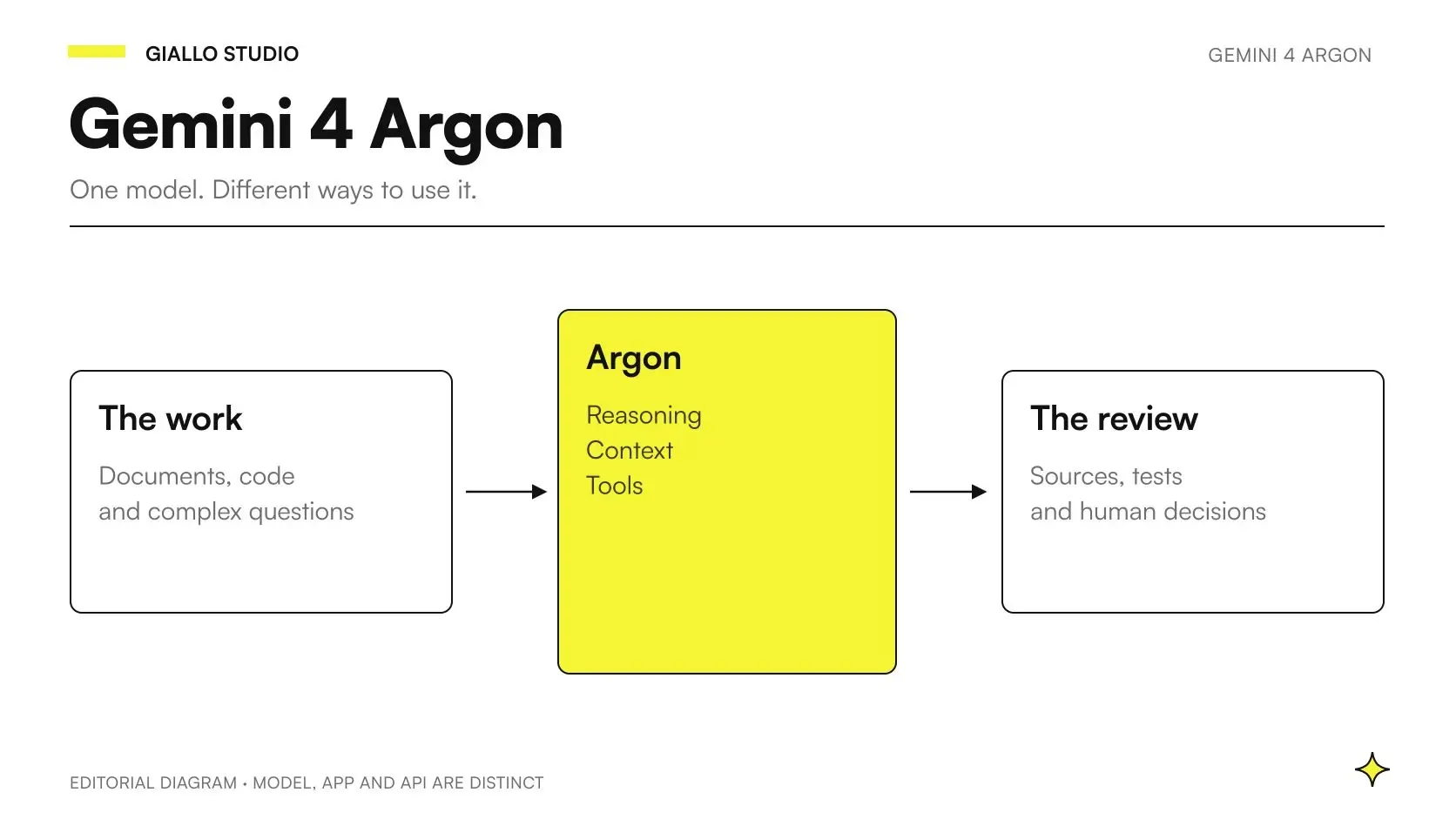 Gemini 4 Argon: what it is, what it does and when to use it in business
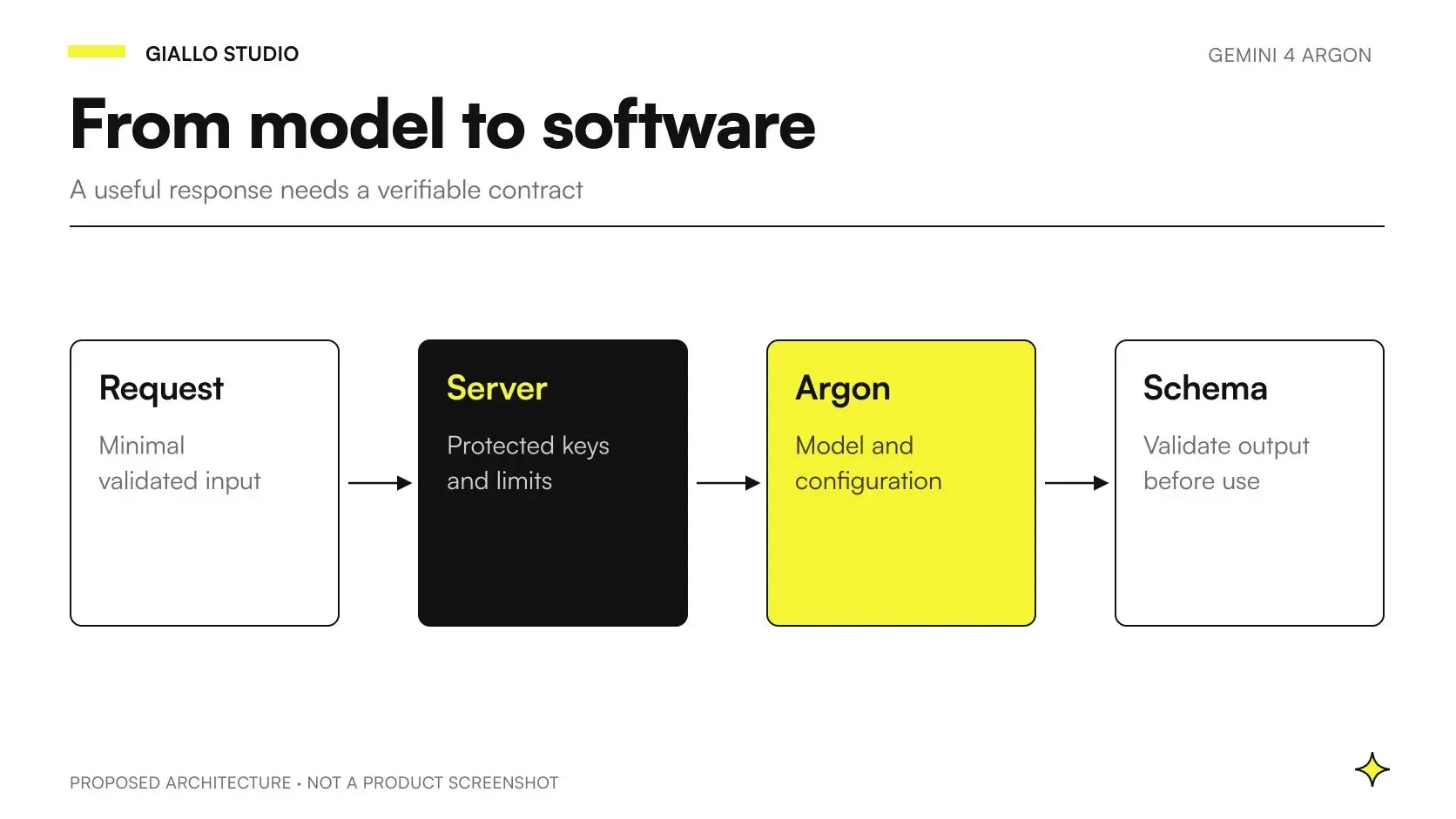 Gemini 4 Argon API: integrating the model into business processes
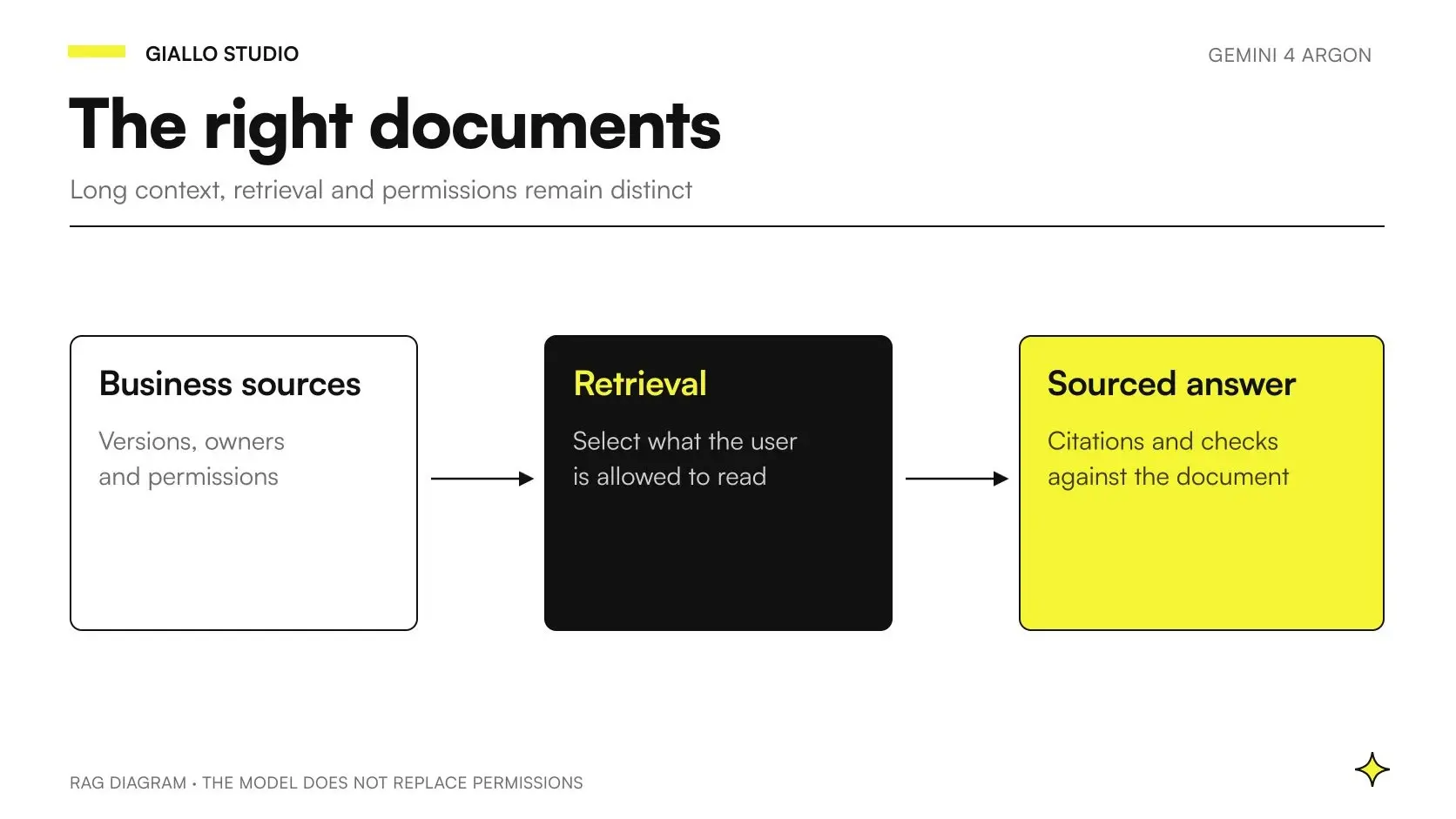 Gemini 4 Argon for RAG and business documents: sources and permissions
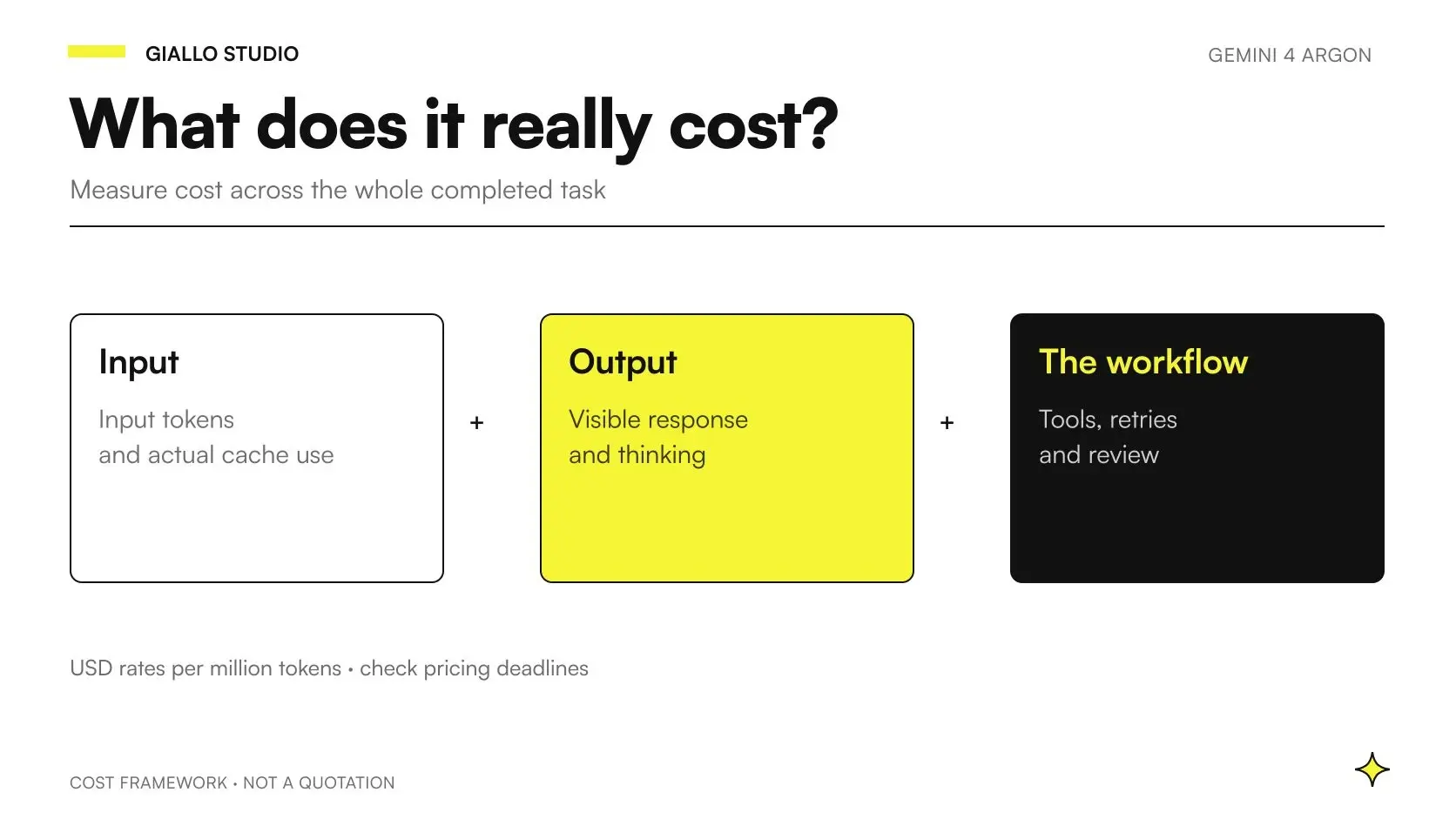 Gemini 4 Argon: API pricing and business cost calculations
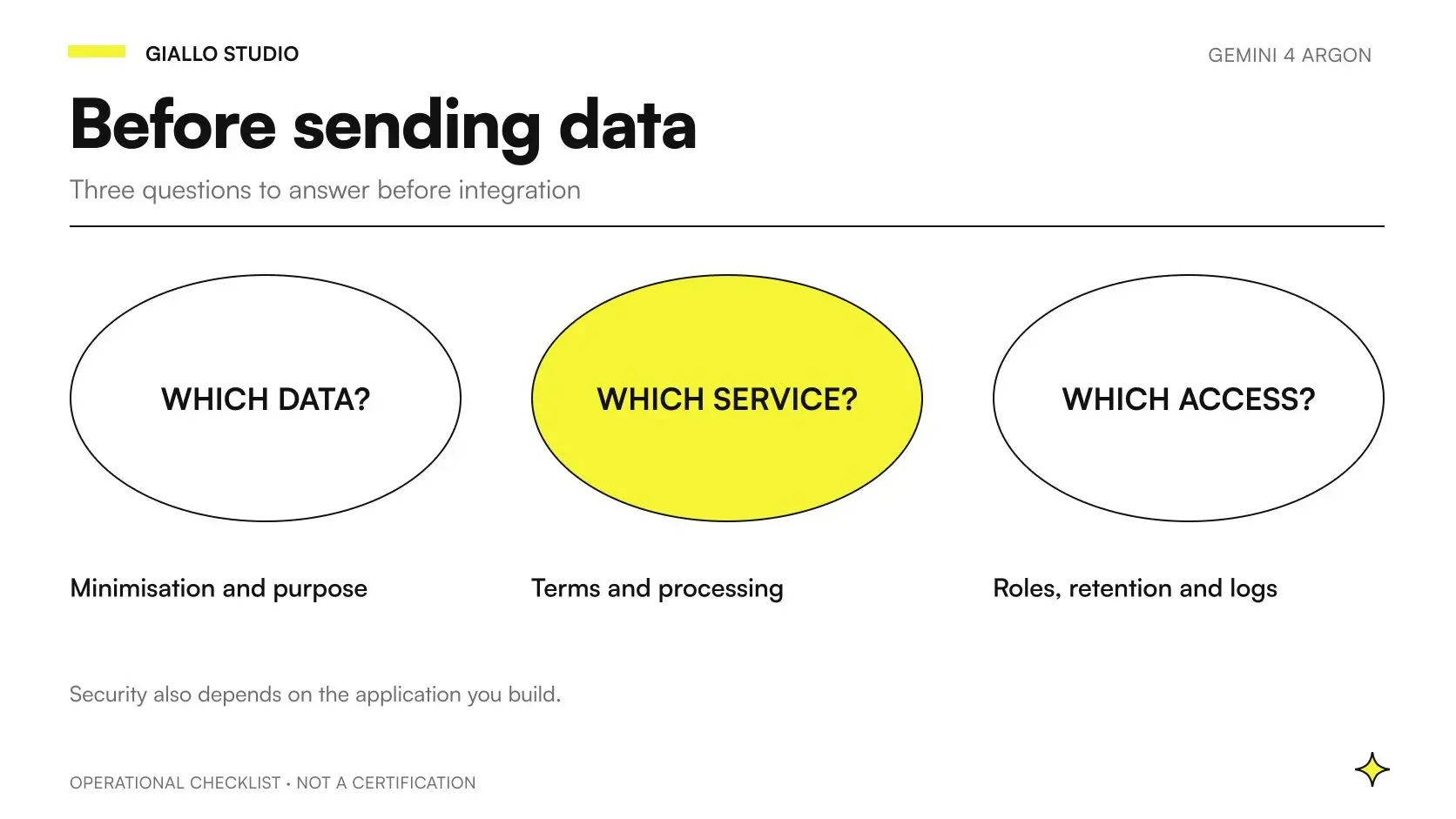 Gemini 4 Argon privacy and security: a business guide
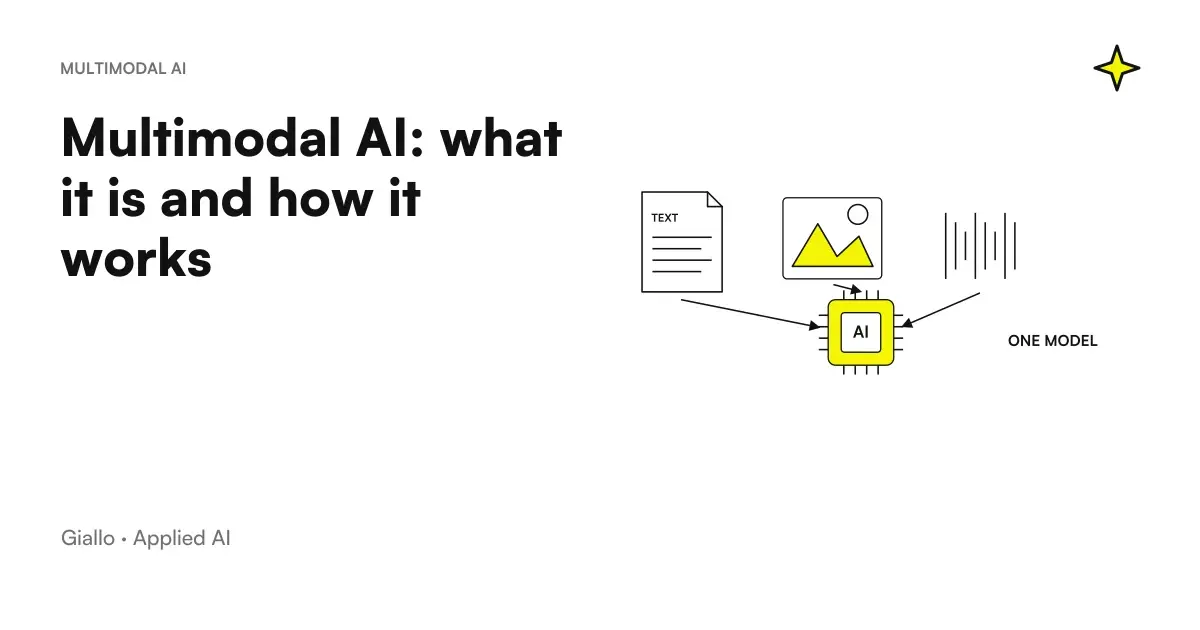 Multimodal AI: what it is and how it works
FAQ
Which inputs does Gemini 4 Argon accept?
The official model page checked as of 23 October 2026 lists text, images, video, audio and PDFs. Content must also meet the formats, limits and upload methods required by the channel used.
Does Gemini 4 Argon generate images and video?
The model page specifies text output and does not support direct image or audio generation. Generating new media requires a dedicated model or product: it should not be inferred from the ability to analyze a media file.
Does Argon support the Live API?
No, the official model page does not indicate Live API support for Argon. Analyzing uploaded audio or video is a different experience from a real-time voice conversation.
How does Gemini 4 Argon analyze video?
The documentation describes a default static mode, sampling at one frame per second, and an optional agentic mode supported by Argon. The choice must be tested on the task: sampling can miss fast events, and agentic navigation has its own costs and timings.
Can a photograph description certify a product?
No. The system can prepare observations for review, but a photo alone does not prove materials, dimensions, compliance or invisible characteristics. The design must distinguish what can be seen from what needs a technical datasheet or human verification.
How do you check a video-based response?
Request references to the relevant segments and compare them with the original file. Timestamps help the reviewer find evidence, but do not prove the description is complete or correct.
Is the context limit different for each input type?
Argon has a unified 1.048.576-token window shared by input, thinking and output. Formats, resolution and processing mode affect usage: a file accepted by the upload mechanism does not guarantee that every request fits within context.