
Fleet deadlines: insurance, road tax, inspections and servicing
Track fleet insurance, road tax, inspections and servicing: urgency levels, mileage thresholds and a dashboard showing what to do today.
Reading time: 9 min
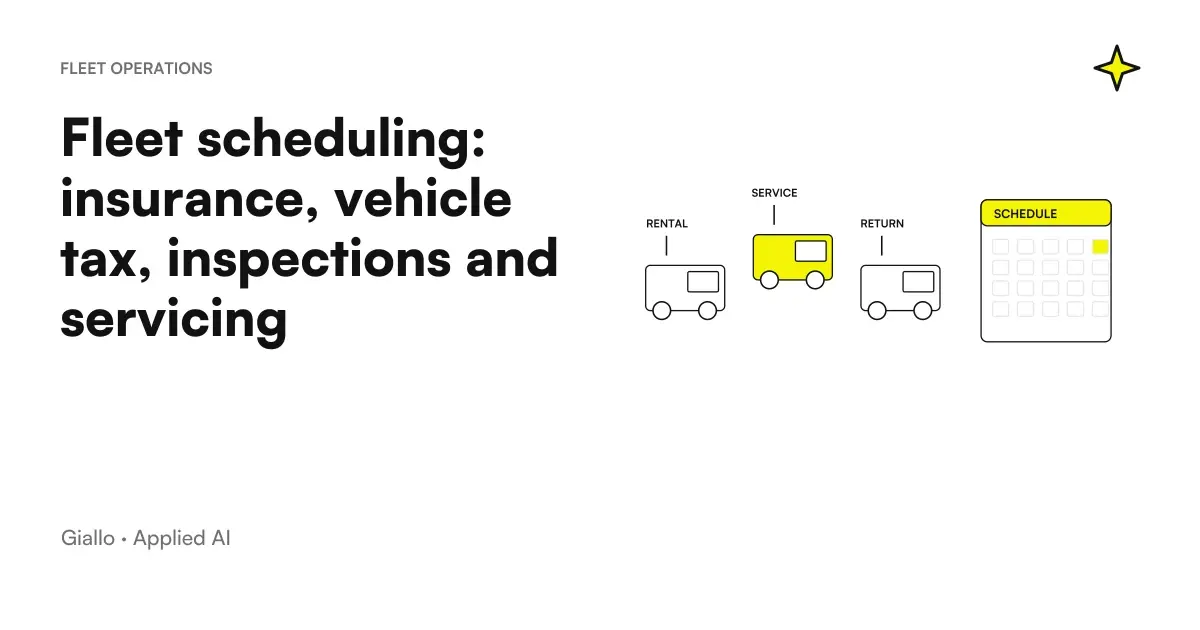
One Company Fleet Schedule keeps track of insurance, stamp, overhaul and cutting of each vehicle and reports what is about to expire. That sounds like a list with dates. The difference between a list and a working schedule is all in one choice: the system must tell what to do today, not wait to be consulted.
A fleet of a few dozen vehicles produces over a hundred deadlines per year. None is complicated, all are forgettable, and forgetting a cost: an expired insurance stops a vehicle, a failed overhaul makes it uncirculated.
This article describes the setting used in CRM for car rental of Rial Rent, on a fleet of 27 cars.
In summary
- Four deadlines per vehicle: insurance, stamp, review, cutting, plus the threshold to kilometers for the latter.
- Dates alone are not enough: they must be translated into Urgency Levels to become operational indications.
- In the fleet list emerges the nearest deadline of every means: the dashboard says what to do today.
- Vehicle servicing has two criteria — date and kilometers — and wins what comes first.
- A spreadsheet works as long as someone opens it: the limit is not the number of lines, it is that it must be consulted.
The four deadlines, and why vehicle servicing is different
| Deadline | Criterion | Consequence if jump |
|---|---|---|
| Insurance | Date | The vehicle cannot circulate |
| Bollo | Date | Penalties and interest |
| Review | Date | The vehicle cannot circulate, sanction |
| Cutting | Date and kilometers | Warranty, wear and tear, breakdowns |
Vehicle servicing is the only one with two criteria in parallel: it becomes due after a certain period or after a certain mileage, whichever occurs first. A little used car arrives at the deadline by date; a much rented one overtakes it for miles long before.
Managing it only by date is the most common mistake, and on a rental fleet it is what it costs: the most profitable means are also the ones that grind the most kilometers, so just the ones on which control by date is most inadequate.
From date to level of urgency
A due date alone does not tell you what to do. “15 September” requires the reader to calculate it mentally and decide whether it is a problem.
Translate it into a layer delete that step:
- Overdue. The date has passed. It's an operating block, not a reminder.
- Critical — within 7 days. It should be handled this week, not "soon".
- Approaching — within 30 days. It must be scheduled.
- All right. No action.
Thresholds are not universal: they depend on how long it takes on average to close that practice in that company. If booking a review takes three weeks, the "approaching" threshold at 30 days is just enough; if two days is enough, it is generous. Here, too, the calibration is done with those who manage.
The choice that changes daily use
The most useful project decision is not about calculation, it is about where the data appears.
In the fleet list each vehicle shows its Nearest deadline with its level. You don't need to open the card, you don't need a "deadlines" section to look at: who looks at the list of means —which he does anyway, every day, for other reasons.also sees what's about to expire.
Schedule that works
- The state appears where you already work, not in a dedicated section.
- Sort by real urgency, not alphabetical date.
- It distinguishes few clear levels instead of showing residual days.
- The mileage figures are updated at a natural time in the process.
Expiry that is ignored
- He lives in a section that needs to be opened on purpose.
- Shows a list of dates without hierarchy.
- It sends notifications every day, until no one reads them anymore.
- It requires a manual update that no one has time to do.
Tires: a deadline that is not a date
Alongside the four classics, the fleet traces the Tyres: assembled sets and stock sets, season, make, assembly date.
It is not a deadline in the strict sense, but it answers the same operational questions: when should this train be changed, and do we already have one in stock for this medium? The second question is the one that really saves money, because it avoids buying back tires that are already there — an easy mistake when inventory lives in someone's head.
Who does what, and why the role matters
A timetable does not serve everyone in the same way, and show it indiscriminately to anyone who makes it less useful.
| Role | What he needs from the scheduler |
|---|---|
| Who manages the fleet | The complete list sorted by urgency, to schedule the practices |
| Who operates on deliveries | Block only: this vehicle can circulate today or not |
| Who Drives | Nothing: at most the information that the assigned medium is in order |
The interesting case is the second. Whoever prepares a handover does not need to assess whether a deadline is close: they need to know whether that vehicle can be given to a customer. Turning four dates into a binary answer — usable or not — is how information becomes operational for that role.
In the project the separation of roles is structural, as described in case study: everyone sees the version of the information they need to decide.
The hidden cost of forgotten deadlines
It is worth explaining why this piece of management software pays off, without inventing numbers.
A missed deadline doesn't just cost the penalty. It costs the stationary vehicle at the time it was needed, the delivery to be reorganized, the customer to be notified and, in the worst cases, a rental to be refused. On a working fleet, unexpected unavailability is more expensive than the practice itself.
There is also a less visible cost: the time of those who control. Without a tool, someone must periodically open the documents and verify. It's a job that doesn't produce anything when it's good, and that then tends to be put off — until the time something jumps.
Practical examples
A very rented car. The vehicle’s service date is four months away, but the accumulated mileage will reach the threshold in three weeks. The system flags the criterion triggered first, and maintenance is scheduled when needed rather than when the calendar says.
Expired insurance. At thirty days it appears as "approaching" in the fleet list. At seven it becomes critical. No one has to remember to check: the data is where you look anyway.
A vehicle just entered the fleet. Its deadlines start from the documents uploaded on the middle card, as described in Digital Vehicle Documents. If the booklet is not loaded, some deadlines remain empty — and this should be made visible, otherwise everything seems to be in place.
A company with means of operation. The scheme transfers identically to vans, operating machines and equipment: they change the types of deadline, not the logic. The broader theme is in Business Process Automation.
Mistakes to Avoid
Managing vehicle servicing only by date. On the most used means is the least suitable control, and they are the ones that matter the most.
Showing remaining days instead of levels. "37 days" requires interpretation; "approaching" does not.
Putting deadlines in a separate section. If it is opened on purpose, it will be opened little.
Notifying everything. One alarm a day becomes noise, and noise also causes important alarms to be lost. Better a few warnings on critical thresholds plus an always visible state.
Not flagging missing data. A vehicle with no recorded revision date appears "in place" exactly as one in good standing. It is the most dangerous defect because invisible: an explicit state is needed for "absent data".
How to apply it in the company
- List real deadlines of all kinds of good: they are less than they seem and they change little.
- Define thresholds based on the time it really takes to close that practice in your company.
- Decide where the state appears: must be a screen that someone already looks at for other reasons.
- Identify the natural moment where you update variable data, such as kilometers. If there is not, automation will work on old data.
- Make what is missing visible, distinguishing it from what is in order.
If you also want a periodic summary by email or message, the theme is in report automation with AI.
Extending the method to contractual deadlines
The discipline of the manager and documentary evidence is also useful outside the fleet. For contracts, however, it is necessary to separate the end of the relationship, windows of notice and decisions on renewal. The Guide to deadlines of contracts with AI deepens this perimeter, including addendum, incomplete documents and a date queue to verify.
Conclusion
One Fleet Schedule is not a calculation problem: dates subtract. It is a problem of where the information appears and how it is formulated. A list of dates in a dedicated section is consulted little; a status column in the list that you look at every day changes the behavior.
The two things to do well: manage vehicle servicing using both criteria, and make the difference between “compliant” and “missing data” visible.
AI becomes useful when it enters processes. Giallo Studio helps SMEs and teams to build concrete, measurable and sustainable automations. The complete project is in custom software.
Giallo Studio guides: methodology and sources
How we apply it in the company
Related resources
FAQ
What is a fleet schedule?
It is a system that tracks each vehicle's due dates — insurance, vehicle tax, roadworthiness inspection and servicing — and flags those approaching. A useful tracker differs from a list because it sorts by urgency and tells you what to do today, rather than requiring you to consult it.
Which due dates should be tracked for a company vehicle?
The four recurring items are insurance, vehicle tax, roadworthiness inspection and servicing. Servicing has one particular feature: it becomes due both by date and mileage, so it must be managed using two criteria rather than one.
Why do we need levels of urgency and not just the date?
Because a date alone does not tell you what to do. Turning it into a level — overdue, critical within 7 days, approaching within 30, up to date — turns data into an operational indication and lets you sort the list by actual priority.
How do you manage a service due by mileage?
It is necessary to record the kilometers and compare them with the expected threshold, in parallel with the deadline by date. The criterion that comes first is what counts. Without the updated kilometers data, the check by date alone is incomplete.
Do you need a dedicated software or just a spreadsheet?
For a few vehicles, a spreadsheet may suffice, provided someone opens it. The limit is not the number of rows, but the need to consult it: it does not surface information on its own. When due dates need to appear where people work every day, they must be part of the management system.
Do automatic notifications solve the problem?
They help, but on their own they are not enough and can make things worse if they are too many: those who receive alerts every day stop reading them. Better a few warnings on critical thresholds plus a dashboard always visible with the real state.