
AI Agents for Business: What They Are, in Plain Words
What is an AI agent and how does it differ from a chatbot? A clear definition, SMB examples, mistakes to avoid and controls to put in place.
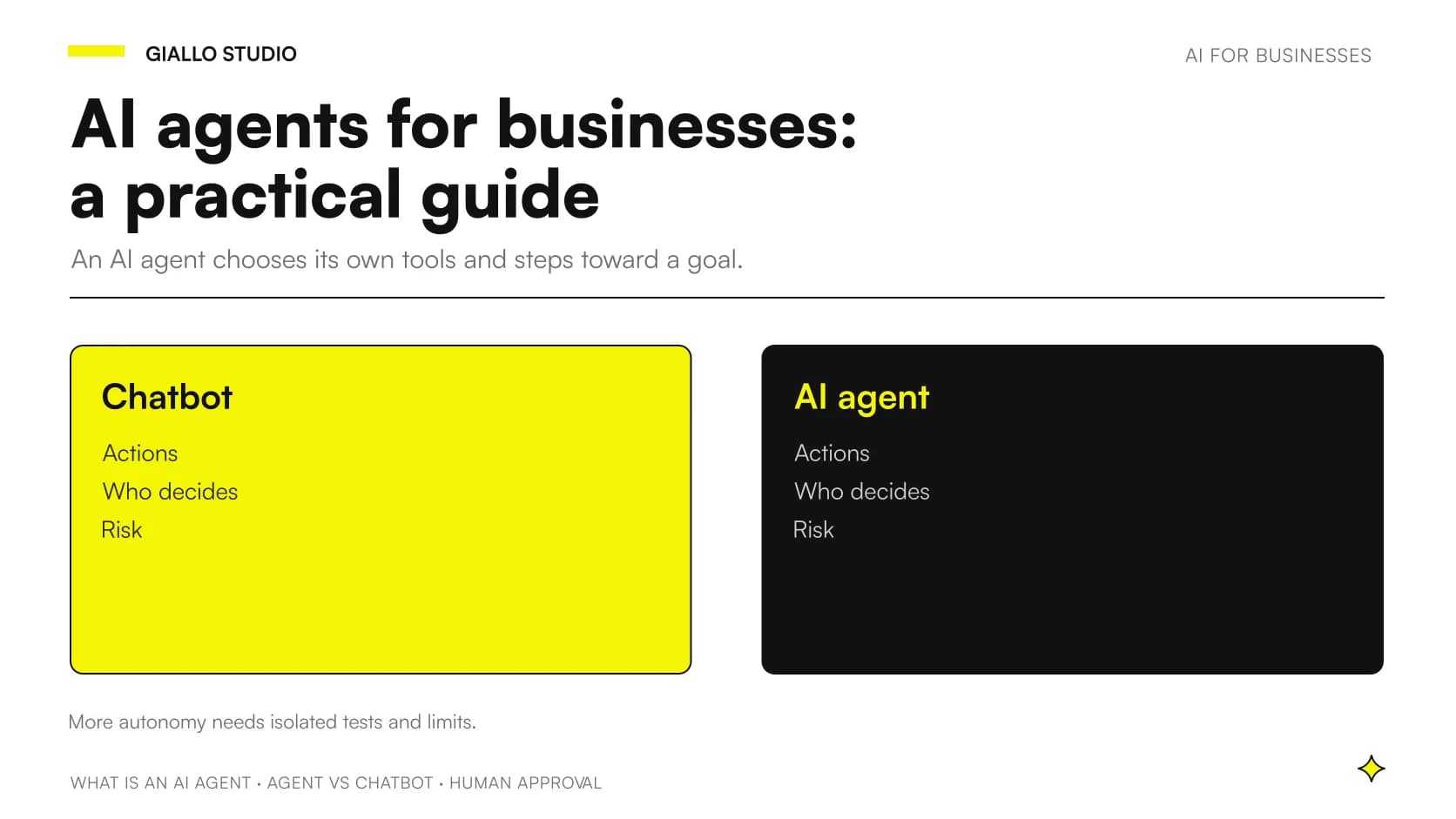
An AI agent is a system in which a language model decides on its own which tools to use, and in what order, to complete a task. A chatbot usually stops earlier: it answers a question, but takes no actions in your software. The definition used by the labs that build these systems is the same: agents are systems where models dynamically direct their own processes and tool usage, maintaining control over how they accomplish tasks.
For a business owner, the practical difference is this. With a chatbot you ask and read. With an agent you assign a goal, and the system chooses the steps, consults the data, uses the tools you have connected to it and reports back the result or asks for your opinion. Precisely because it acts, it demands more attention: costs, errors and permissions matter far more than in a simple chat.
In this guide we first explain the idea, then the mechanism, then what changes in a company. The comparison between chatbot and agent is our own editorial summary: the sources we consulted describe agents well, but do not define the chatbot explicitly.
In summary
- An AI agent is a model that chooses its own tools and steps to reach a goal; a chatbot usually answers without carrying out actions.
- A workflow follows a path written in advance in code; an agent decides the path as it works.
- The agent works in a loop: it uses a tool, observes the result, decides the next step.
- Autonomy means higher costs and errors that can compound: you need tests in isolated environments and clear limits.
- For sensitive actions, such as sending messages or deleting data, human approval before execution is advisable.
What is an AI agent, in plain words?
Think of two ways of entrusting a job to a colleague. In the first, you hand over a written procedure: first do A, then B, then C. In the second, you give a goal and let them choose how to get there, with the option of coming back to you if they get stuck. It is our own analogy, not from the sources, but it gets the idea across: the first is a workflow, the second is an agent.
The technical sources draw exactly this distinction. Workflows are systems where models and tools are orchestrated through predefined code paths, whereas agents decide processes and tools on their own. An agent, then, is not magic software: it is a language model that you have given tools and the freedom to choose when to use them.
The same source notes that agents can handle sophisticated tasks, but their implementation is often straightforward: they are typically just models using tools based on environmental feedback in a loop. OpenAI's documentation also describes them concretely: they can plan and complete tasks using tools, collaborate with other agents and keep context across steps. For a broader overview you can also read the guide on What AI Agents Are and How They Work.
How does an AI agent differ from a chatbot?
The difference lies in action. A chatbot generates text in response to a message. An agent, besides replying, can call functions: search an archive, read a record, create a document, send a message. If you want to explore the comparison from a wider angle, there is a dedicated analysis in the article on the difference between assistant, chatbot and agent.
This table summarizes the comparison. The chatbot column is an editorial simplification; the agent column is based on the sources cited in the text.
| Appearance | Chatbot (simplified) | AI agent |
|---|---|---|
| What it does | Answers questions and generates text | Pursues a goal using tools |
| Who chooses the steps | The user, message after message | The model, in a loop of action and verification |
| Access to software | Usually none | Through connected tools |
| Main risk | Wrong answer | Wrong action, errors that compound |
| Recommended check | Checking the answer | Isolated tests, limits and approvals |
Beware of names. Many products are called "agent" but are workflows with a fixed path. The useful question is: who decides the next step, the code written by a person or the model? In the first case it is a workflow, in the second an agent.
If you are interested in the bigger picture of how work changes for SMBs when agents become ever more capable, there is an in-depth piece on AI agents and superintelligence for an SMB.
How does an agent work, step by step?
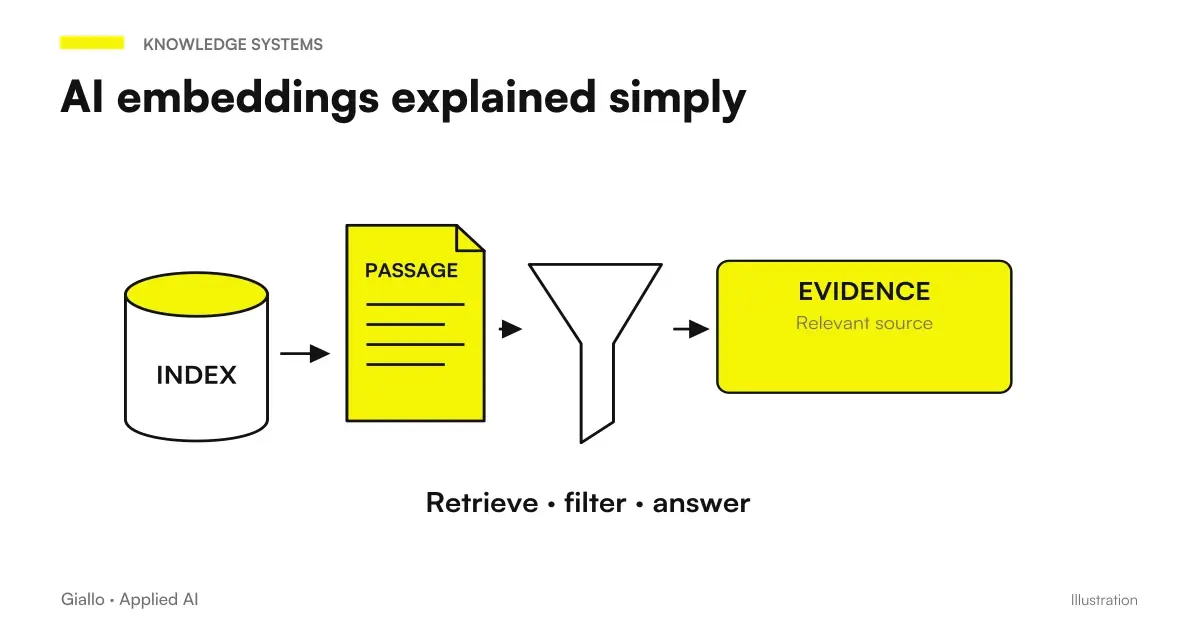
The basic building block is, according to Anthropic, an LLM enhanced with retrieval, tools and memory. Retrieval lets it look up information, tools let it act, memory keeps it from losing the thread. If the document-search part intrigues you, we explain it in simple terms in AI embeddings.
The mechanism behind tools is called tool use, or function calling. Claude's documentation explains that it lets the model call functions defined by you or provided by Anthropic. The model does not execute anything by itself: it decides when to call a tool based on the request and the tool's description, then returns a structured call that is executed by your application or by Anthropic. The same page notes that tools differ mainly in where the code is executed.
In practice, the loop looks like this:
- Goal. The user gives a command or discusses the task with the agent until it is clear.
- Planning. The agent decides which tools are needed and in what order.
- Action. It asks to run a tool; your application runs it.
- Observation. The agent reads the result and decides whether to continue, correct course or stop.
- Return to the human. If it needs information or a judgment call, the agent stops and asks.
On this last point the sources are clear: agents begin with a command from, or discussion with, the user; once the task is clear, they plan and operate independently, potentially returning to the user for more information or judgment. They can also pause for human feedback at checkpoints or when encountering blockers.
When does an agent make sense, and when is a workflow enough?
Autonomy is not always needed. According to Anthropic, when more complexity is warranted, workflows offer predictability and consistency for well-defined tasks, whereas agents are the better option when flexibility and model-driven decision-making are needed at scale. Agents are used for open-ended problems where it is difficult or impossible to predict the required number of steps, and where you cannot hardcode a fixed path.
A practical rule for an SMB: if you can write the procedure on a sheet of paper with no exceptions, you probably need a workflow, which is cheaper and more predictable. We discuss it in the article on AI workflows and how they are built. If instead every case is different and the path depends on what you discover along the way, an agent may make sense.
What concrete examples are there for an Italian SMB?
The examples below are hypothetical, built to explain the idea: they are not client cases.
An accounting firm. A client emails a set of documents for the month-end close. A workflow can only sort the attachments according to fixed rules. An agent can read the message, work out which documents are missing, consult the archive, prepare a request for additional documents and save it as a draft. Sending it to the client, however, remains a person's decision.
A shop with online sales. A customer writes about a return with an unusual problem. A chatbot explains the returns policy. An agent can also look up the order, check the shipping status and prepare the case. But, as OpenAI points out, an agent might offer a refund it shouldn't or delete information it shouldn't: that is why the refund requires human confirmation.
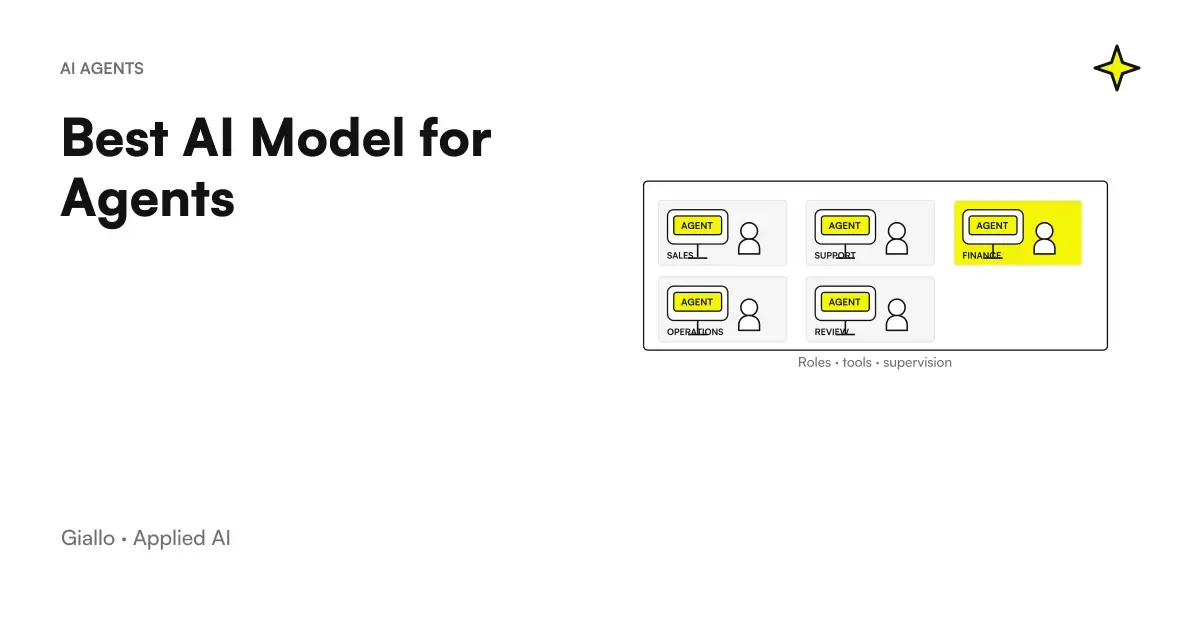
For other scenarios, you can look at the examples of AI automation in the company and at the comparison of which models to choose for this work in the article on the Best AI Model for Agents.
What risks and costs should you expect?
Autonomy comes at a price. Anthropic warns that the autonomous nature of agents means higher costs and the potential for compounding errors, and recommends extensive testing in sandboxed environments along with appropriate guardrails. To get a sense of the figures to consider in your case, there is the guide on the cost of a custom AI agent.
Then there is security. OpenAI flags prompt injection as a common and dangerous attack: it happens when untrusted text or data enters the system and its malicious content attempts to override the AI's instructions. An agent that reads emails or web pages is exposed for exactly this reason. Add to that the fact that agent workflows can do something unintended because of hallucination, misunderstanding or ambiguous requests.
Rule of thumb. Treat any text the agent reads from outside, such as emails, forms or web pages, as data to analyze and never as an instruction to execute.
How do you keep an agent under control?
The simplest solution is human approval on risky tools. Some platforms already provide it: in an automation platform's documentation you can read that you can require a person's approval before an agent runs a specific tool. If the person approves, the tool runs with the input chosen by the AI; if they decline, the action is cancelled and the AI is informed of the refusal.
The same documentation specifies that the check can apply to all connected tools or only to some, with more precise control than a generic filter on the output. It is especially useful for riskier tools, such as sending messages, modifying records or deleting data. For tools connected through MCP, OpenAI recommends always enabling approvals, so that users review and confirm every operation, reads and writes included.
If you want a broader picture of guardrails and checks, read the article on how to verify and control agents.
What mistakes should you avoid when introducing an agent?
Three mistakes to avoid.
Giving an agent a problem that calls for a workflow
If the process is fixed, an agent costs more and makes the result less predictable. Start from the simplest path that works and add autonomy only if needed.
Granting permissions that are too broad
An agent with write access to everything can do damage in an instant. Connect only the necessary tools and separate reading from writing.
Skipping tests and human approval
Trying the agent directly on real data is risky. The sources recommend isolated environments and human confirmation for irreversible actions, such as deleting data or sending messages to customers.
How do you apply this in practice in an SMB?
A prudent path can follow this list.
Before starting
- A repetitive, well-described task, with a clear owner.
- The list of tools the agent can use, with minimal permissions.
- A test environment separate from real data.
- The actions that always require a person's approval.
- A way to review what the agent did, step by step.
Then proceed gradually: start with a single task, test in an isolated environment, turn on approvals for sensitive tools and expand only after seeing how it behaves. To set up a first experiment well, the article on the AI Pilot Projectcan help. A final caution: vendors' operating guidance changes quickly, so recheck the official documentation before putting anything into production.
Where to start?
If you want to understand whether your process really needs an agent, a workflow or neither, you can start from our page on Custom AI Agents and talk through your specific case with us.
Giallo Studio guides: methodology and sources
How we apply it in the company
Related resources

FAQ
Is an AI agent the same as a chatbot?
No. A chatbot usually answers questions and generates text. An agent decides on its own which tools to use and in what order to reach a goal. This comparison is an editorial summary, because the sources describe agents more than chatbots.
What is the difference between an agent and a workflow?
A workflow follows code paths set in advance. An agent directs its own processes and tool use. A workflow offers predictability for well-defined tasks, while an agent offers flexibility for open-ended problems.
Can an AI agent work with no human oversight at all?
Technically it can operate autonomously, but the sources advise caution. Agents can pause for human feedback at checkpoints or when they hit a blocker. For risky actions, approval from a person is recommended.
Which actions are best approved by a person?
The riskiest or irreversible ones, such as sending messages, modifying records or deleting data. Platforms let you apply approval to all tools or only to some. That keeps the oversight targeted.
What is tool use?
It is the model's ability to call functions, also known as function calling. The model decides when a tool is needed and returns a structured call. Your application or the provider runs it, depending on the type of tool.
What is prompt injection and why does it affect agents?
It is an attack in which untrusted text or data tries to override the instructions given to the AI. An agent that reads emails or external pages is more exposed. That is why it is wise to treat such content as data and limit permissions.