
Mistral's Le Chat: Documented Features, Agents and Plans
Mistral's Le Chat is now Vibe: what the three modes do, how data handling differs between plans, and what the documentation still leaves out.
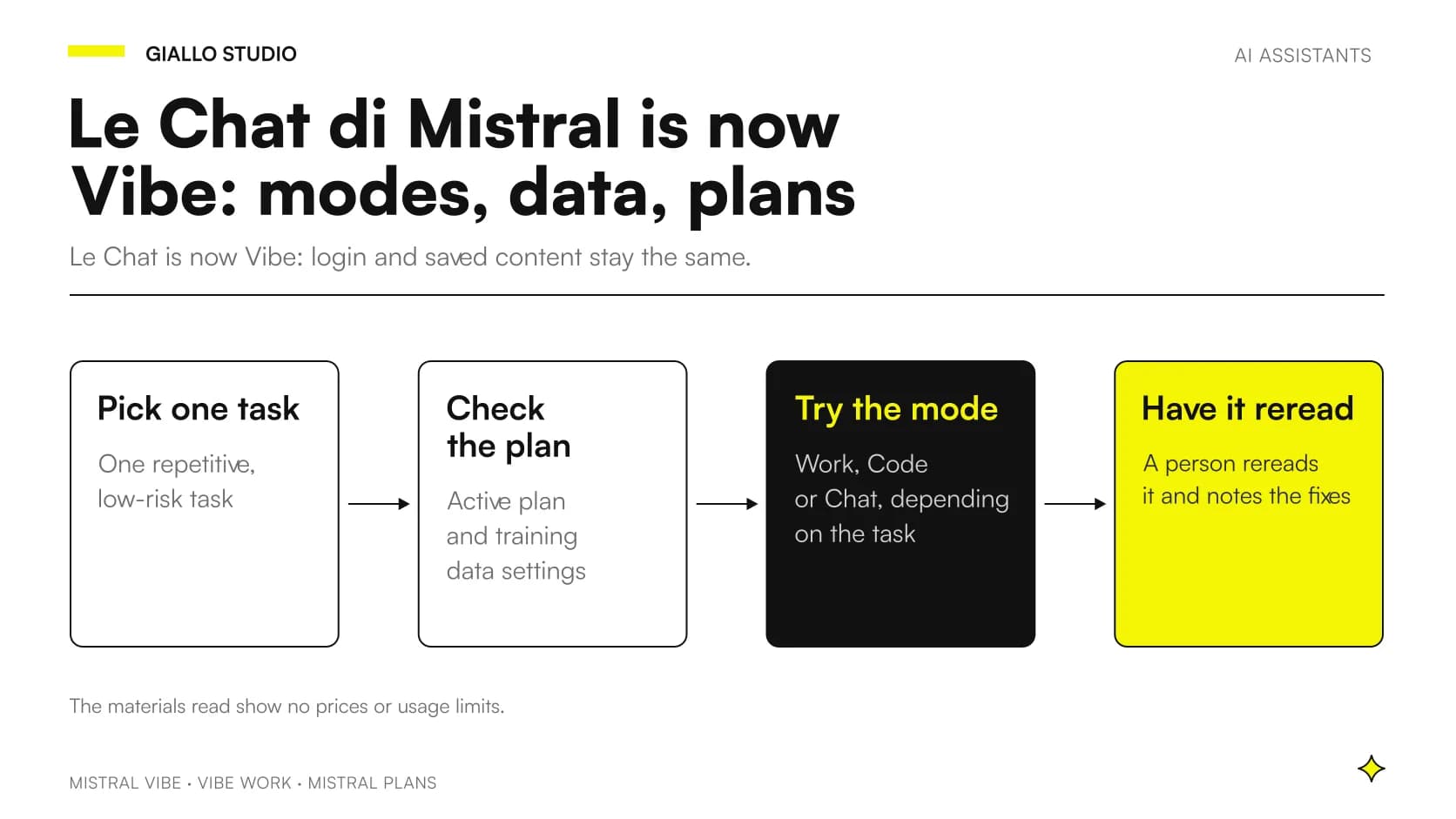
Mistral's Le Chat is now called Vibe. According to Mistral's official documentation, Le Chat is now Vibe, Mistral's unified agent for professional productivity and programming tasks. It is not a brand-new product: it is the same assistant many people already knew, with a different name and a wider range of features.
In practice, Vibe is an AI assistant that comes in three modes: one for delegating office work, one for programming and one for conversation. If you already had an account, you don't need to redo anything: the same source explains that account, plan, conversations and saved content are carried over with the user, with the same URL and the same login.
This article reconstructs what is documented, feature by feature, and states plainly what is not found in the official materials we read: above all prices and usage limits. Where data is missing, we don't make it up, and we point out how to check it.
In summary
- Le Chat is now Vibe, Mistral's unified agent for professional productivity and programming.
- The documented modes are three: Vibe Work, Vibe Code and Vibe Chat.
- Account, plan, conversations and saved content carry over: same URL, same login.
- Controls over the use of data for training vary depending on the Vibe plan; Enterprise customers are excluded by default.
- The materials we read contain no prices or usage limits: they must be checked before choosing.
What has Mistral's Le Chat become?
Mistral's page on the name change is clear: Vibe is the new name for what was known as Le Chat, with a wider range of features. The same page reassures existing users: nothing they had created was lost.
For a company this matters for two reasons. First: if someone on the team already used Le Chat, account continuity avoids manual migrations. Second: anyone still searching for "Le Chat" will find documentation under the name Vibe, so it is worth searching with both names.
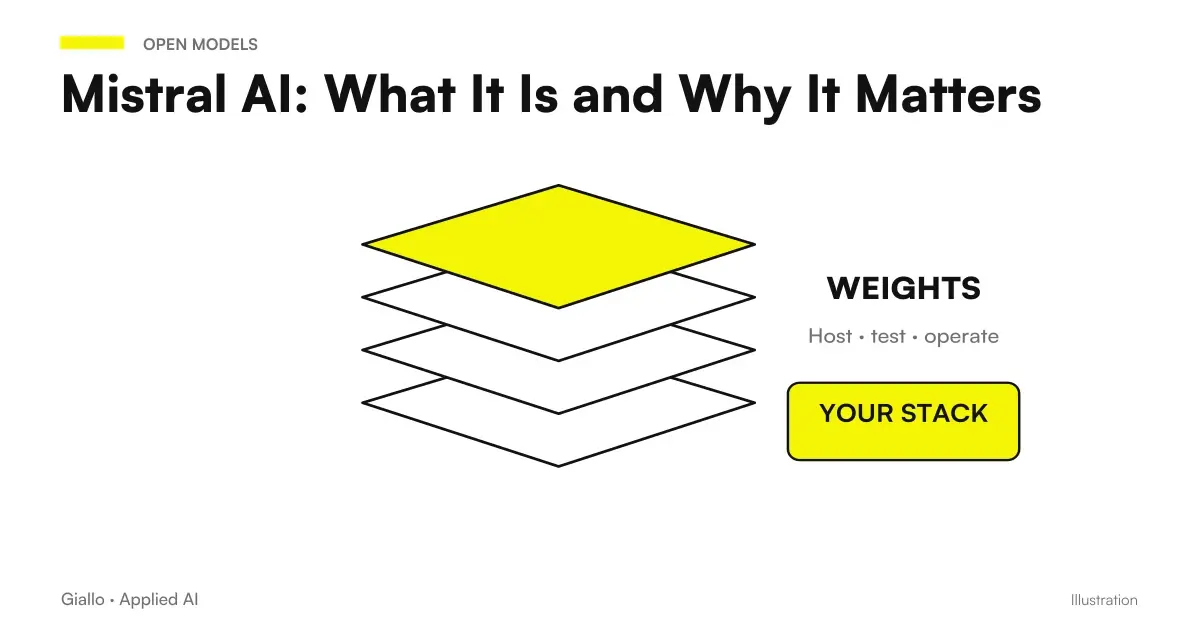
If you are comparing several assistants, a broader picture of the company that makes it is in Mistral AI: What It Is and Why It Matters, while for those starting from another tool it may be useful to look at alternatives to Grok for chat, images and agents.
What can Vibe do, feature by feature?
The official materials describe Vibe briefly. Below you will find five documented features or uses. For each one: what it does, how it is used, a work example (hypothetical, only to give the idea) and the limits that emerge from the documentation. Where the documentation says nothing, we say so.
Vibe Work: delegating complex tasks
What it does. According to the documentation it is the productivity mode that was used in Le Chat: a web and mobile chat interface for delegating complex, multi-step tasks across your own apps and tools.
How to use it. You open it from the web or mobile chat and describe the task to be done, even if it requires several steps. Which apps and tools can be connected is not listed in the material we read, so the list must be checked in the product.
Work example. A small travel agency could ask it to prepare a draft proposal starting from a customer request, gathering information from several internal sources. This is a hypothetical example: the documentation does not say which sources can be connected.
Limits. The materials declare no usage limits, nor do they say how reliable long tasks are. Every result should therefore be checked by a person before it is used.
Vibe Code: programming with AI
What it does. It is a programming mode for developers, available as a command-line tool, as a VS Code extension and as a web interface.
How to use it. Developers choose the entry point they already use: terminal, editor or browser. The page we read does not go into detail on installation, permissions and settings.
Work example. A small software house could use it to get help with a function in a management application, staying inside the editor the team uses every day. This too is a hypothetical example, not a documented case.
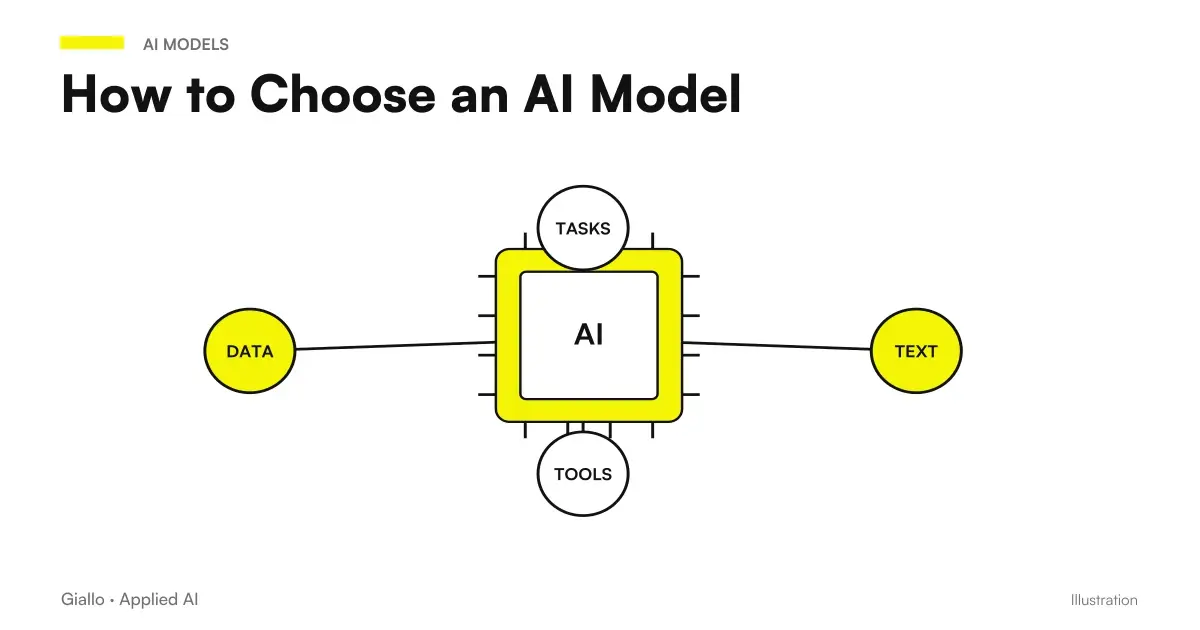
Limits. The supported languages and usage restrictions are not described. Before giving it to a team, it is worth testing it on non-critical code. To compare coding assistants you can start from how to choose an AI model.
Vibe Chat: the conversation you already know
What it does. It is the turn-based conversational experience Le Chat was known for, and the documentation specifies that it is still available. Turn-based means you write a question, receive an answer and continue in turns.
How to use it. You write and read, without delegating long tasks. It is the right mode for clearing up a doubt, rephrasing a text or thinking through a problem.
Work example. The owner of a small professional firm could use it to rewrite a communication to clients more clearly, rereading it before sending. Hypothetical example.
Limits. As with any AI chat, the answer may contain errors: the materials we read report no accuracy data, so nothing should be taken as certain without checking.
Continuity of account and content
What it does. The Mistral page says that account, plan, conversations and saved content are carried over, with the same URL and login.
How to use it. Nothing special is needed: you log in as before. An administrator can still check that the plan and users are the expected ones.
Work example. A small firm that had saved conversations on recurring cases can find them again after the name change, without rebuilding them.
Limits. The documentation does not explain what happens to any integrations or automations built around the old name. This must be checked case by case.
Controls over data and training
What it does. Another Mistral page acknowledges that not everyone wants their input and output data to be used for training, and explains that the controls vary depending on the Vibe plan.
How to use it. On the Vibe plan, as stated at the time of subscription, Mistral may use input and output to train its models, and there is a right to opt out at any time. For Enterprise customers, exclusion is the default setting and any opt-in is managed at administrator level.
Work example. An accountant who wants to use the assistant on texts containing client data should first understand which plan they are on and what they have configured. On this topic, for further reading, see Business Data and AI: What Happens to What You Write.
Limits. User feedback is handled differently: Mistral asks those who do not want their feedback data to be used not to provide feedback.
The three modes compared
The table summarizes only what the sources say. The "not documented" cells are not a shortcoming of the tool: they indicate that the information is not in the materials we read.
| Mode | What it is used for | Where is it used | Declared limits | Source |
|---|---|---|---|---|
| Vibe Work | Complex multi-step tasks across apps and tools | Web and mobile chat | Not documented | Mistral |
| Vibe Code | Programming for developers | Command line, VS Code extension, web | Not documented | Mistral |
| Vibe Chat | Turn-based conversation | Conversational interface, still available | Not documented | Mistral |
Warning: neither of the two Mistral sources we read reports prices or usage limits for the plans. If an article, a salesperson or a colleague gives you a figure, ask where they read it and check it on the plan's official page.
Which plans are offered and how much do they cost?
The honest answer is partial. The sources show that there is a Vibe plan and an Enterprise plan, and that the documented difference concerns data: on the Vibe plan, use for training is foreseen unless you opt out, while for Enterprise customers exclusion is the default and the opt-in is managed by the administrator.
Prices, usage thresholds and feature differences between the plans do not appear in the materials. This means we cannot tell you which plan is more convenient for an SME in economic terms. To think about costs in general, without invented numbers, it is useful to look at the guide to the real prices of AI in business.
What happens to your data?
The documentation on training says that, as stated at the time of subscription, Mistral may use input and output to train its models, and that users have the right to opt out of this program at any time.
For an SME this means something simple: choosing the plan and checking the settings are part of choosing the tool, not a detail. A written internal rule also helps: we discuss it in how to write a company policy on AI use.
Which mistakes should you avoid when adopting Vibe?
There are five, and almost all stem from taking for granted what the materials do not say.
Taking prices and limits for granted
It happens because other assistants often publish them clearly and people assume the same applies. Here they are not in the materials: avoid it by asking for the updated price list before assigning a budget.
Not checking the data settings
It happens because you log in with the same login as before and assume nothing has changed. As seen, the controls vary depending on the plan: avoid it by having whoever administers the account verify the plan and options.
Sending feedback with confidential content
It happens because it seems like a harmless gesture. The documentation, however, says that feedback is handled differently and advises not giving it if you don't want the feedback data to be used. Avoid it by instructing the team not to paste confidential documents into comments.
Choosing the wrong mode
It happens when the simple chat is used for long jobs, or when something that requires a turn-based discussion is delegated to Vibe Work. Avoid it by starting from the type of work: multi-step delegation, code or conversation.
Trusting the result without rereading
It happens because answers sound confident. The materials report no accuracy data, so every output should be checked by a person, as the checklist for verifying AI answers.
How to apply it in your company, step by step
Before starting, a few prerequisites are needed.
- Know who in the company administers the account and the plan.
- Have read the Mistral page on the use of data for training.
- Have decided which documents must never be pasted into the tool.
- Have an updated official price list in hand, not a figure heard from others.
Then proceed in small steps.
- Choose a single repetitive, low-risk task, for example a draft of an internal text.
- Check the active plan and the training settings by reading the official page on user data.
- Try the mode suited to the task: Work for multi-step tasks, Code for code, Chat for conversation.
- Have a person reread the result and note what they had to correct.
- Decide only after the trial whether to extend use, comparing with other tools as described in how to choose an AI model.
What can a company concretely do with it?
Based on what is documented, an SME can do three sensible things: keep using Le Chat under the name Vibe without losing its history, try the three modes on small, controlled tasks, and keep the data question under control by choosing the plan consciously. With these materials, however, it cannot estimate the cost or the usage limits.
If you want to understand whether Vibe, another assistant or a custom solution is the right path for your processes, you can start from an AI consulting session to think through tasks, data and budget before choosing.
Giallo Studio guides: methodology and sources
Want to apply this to your business?In 30 minutes, free of charge: the first process to automate and its estimated return, in writing.
Book the free auditHow we apply it in the company
Related resources
FAQ
Does Mistral's Le Chat still exist?
Yes, but under a new name: Le Chat is now Vibe, Mistral's unified agent for professional productivity and programming. Account, plan, conversations and saved content are carried over, with the same URL and the same login. The turn-based chat experience is called Vibe Chat and is still available.
What modes does Vibe offer?
There are three. Vibe Work is for delegating complex, multi-step tasks across apps and tools, Vibe Code is designed for developers and Vibe Chat is the turn-based conversation. Each has its own scope of use, as indicated in the official documentation.
Where can Vibe Code be used?
According to the documentation it is available as a command-line tool, as a VS Code extension and as a web interface. The materials we read contain no details on installation or limits. It is worth trying it on non-critical code before using it in production.
Does Mistral use my data to train its models?
It depends on the plan. On the Vibe plan, as stated at the time of subscription, input and output may be used for training, with the right to opt out at any time. Enterprise customers, by contrast, are excluded by default and the opt-in is managed at administrator level.
How much do Vibe plans cost?
The materials we read contain no prices or usage limits, so we cannot give figures. Before choosing, consult Mistral's updated official price list. Avoid relying on figures reported by third parties without a source.
Is the feedback I give the tool used?
User feedback is handled differently from other data. Mistral asks those who do not want their feedback data to be used not to provide feedback. It is therefore best not to paste confidential content into comments.