
Supplier order confirmations with AI: prices, quantities and dates to check before the material arrives
Supplier order confirmations with AI: checked against the purchase order on price, quantity, revisions and dates. Differences go to the buyer before delivery.
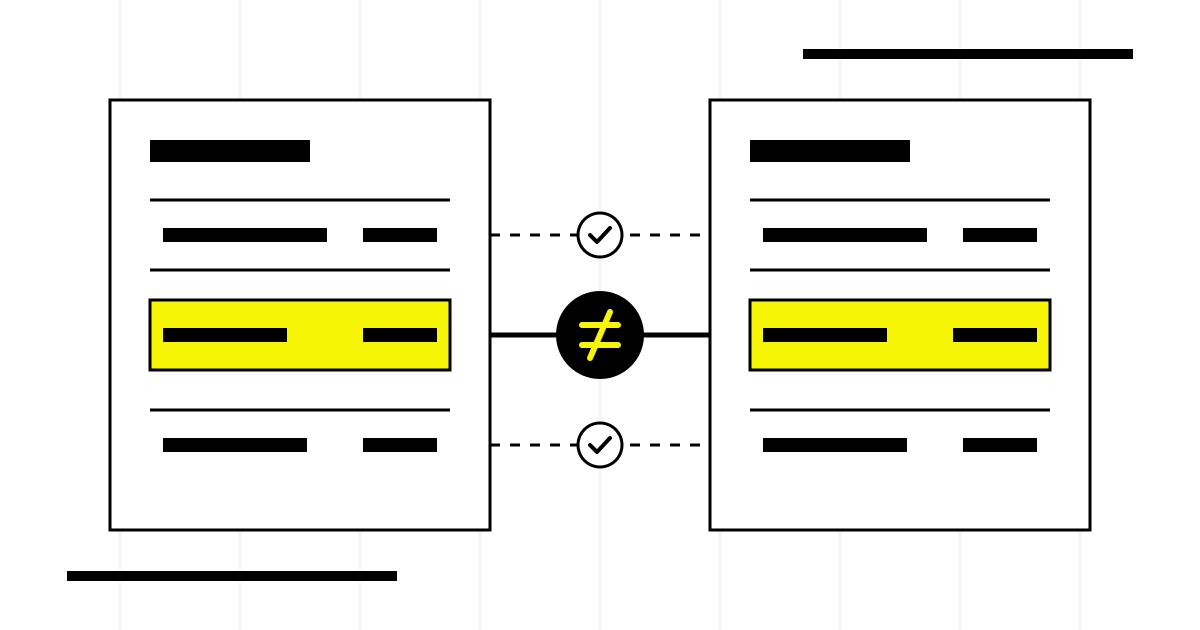
Checking supplier order confirmations with AI means comparing each confirmation with the purchase order the company issued and bringing to the buyer only the lines that do not match. Price, quantity, drawing revision, delivery date and terms are the fields that most often change between what was requested and what the supplier confirms. The agent reads, compares and prepares the queue of differences; accepting, disputing or rescheduling remains a decision for a person.
Many manufacturing companies skip this step. The confirmation arrives as a PDF, someone files it, and the difference is discovered when the material reaches the warehouse with a different date or when the invoice shows a price nobody approved. At that point the problem is no longer an office matter: it is a machine standing idle or a customer delivery to move.
This article covers the moment before delivery. The later comparison, between order, delivery note and invoice, is a different process and is covered in the guide to checking delivery notes, orders and invoices. Sources were checked on 8 November 2026 and the examples are simulated.
In summary
- The order confirmation is compared with the purchase order issued, line by line.
- Price, quantity, revision, unit of measure and delivery date are the fields to always check.
- An acceptance with different terms may count as a new proposal: differences must be handled, not filed away.
- The agent prepares the queue of differences; the buyer decides whether to accept, dispute or reschedule.
- A confirmation that never arrives is also information to track.
Why is an order confirmation that differs from the order a real problem?
When a company sends a purchase order, it proposes terms. When the supplier replies with a confirmation that changes the price, quantity or date, it is not simply “confirming”. The Italian Civil Code is blunt about it: an acceptance that does not match the proposal amounts to a new proposal (art. 1326 of the Italian Civil Code, Normattiva, accessed 8 November 2026). How the relationship is then settled depends on the framework agreement, the general terms and the parties' conduct: that is a matter for whoever handles contracts, not for a model.
For the purchasing team the practical consequence is simple. If nobody looks at the confirmation, a date pushed back by three weeks or an updated price can slip through without the buyer ever seeing them. AI is not here to interpret the law: it is here to show in time every difference to whoever is entitled to decide.
Which fields of the confirmation should be compared with the purchase order?
The comparison works if it is done line by line, with rules written beforehand. It is not enough for the total to add up: two lines that are wrong in opposite directions can cancel each other out.
| Field | What to compare | Typical difference to flag |
|---|---|---|
| Order Reference | Purchase order number and date quoted in the confirmation | Missing reference or order already closed |
| Article | Internal code, supplier code and description | Substitute code not agreed |
| Review | Revision of the drawing or specification requested | Earlier revision or none stated |
| Quantity and units | Quantity ordered and unit of measure | Minimum lot applied, pieces instead of packs |
| Price and discounts | Unit price, discounts, surcharges | Updated price list, missing discount |
| Delivery date | Requested date and confirmed date | Delivery postponed or split |
| Conditions | Delivery terms, payment, packaging, charges | Freight paid differently from the order |
The tolerance rule (for example, how much price deviation is accepted without discussion) is a company decision, written per supplier or per product family. The model applies it, it does not invent it. For price lists that change often, the upstream work is described in updating supplier price lists with AI.
How does the workflow run, from email to the buyer's decision?
- Reception. Confirmations arrive in a dedicated mailbox or a shared folder; the workflow picks them up from there, not from the buyers' personal email.
- Reading. A model extracts the confirmation's fields into a fixed schema: reference, lines, prices, dates, terms.
- Matching. The code looks for the matching open purchase order in the ERP export. If the reference is missing, it proposes candidates and says so.
- Comparison. The rules compare line by line and classify each line: matches, difference within tolerance, difference to decide.
- Buyer queue. Differences arrive in a list with the source alongside: order line, confirmation line, changed field.
- Decision. The buyer accepts, disputes with a reply draft already prepared, or passes the new date to planning.
Extracting structured data from a document is a documented feature of automation tools: n8n, for example, has a node that extracts attributes according to a defined schema (Information Extractor, official n8n documentation, accessed 8 November 2026). The tool provides the building block; the comparison rules and the point where the process stops for a sign-off still have to be designed around your own process. If the ERP exposes no interfaces, the alternatives are covered in automate a management software without API.
Where does the agent stop and where does a person decide?
What the agent does
- Reads confirmations in PDF, email or portal and maps them into a single schema.
- Matches the confirmation to the open order and says when it is not sure.
- Flags every differing field with its source line.
- Prepares the draft dispute or reminder for the buyer.
- Keeps the list of orders still without confirmation.
One person decides.
- Whether to accept a new price or a new date.
- Whether a different revision is compatible with production.
- What to write to the supplier and when to send it.
- Whether to update dates and prices in the ERP.
- How to tell downstream customers about a delay.
This boundary is not for show. A delivery date confirmed later ripples through jobs, production plans and promises made to customers. Whoever accepts it must know what they are accepting. The same principle applies to approving purchases with AI: the agent prepares, the signature stays with whoever holds the authority.
A simulated case in a metal fabrication company
A metal fabrication company with a two-person purchasing team issues a few dozen purchase orders every week: sheet metal, profiles, small parts, outsourced galvanizing work. Confirmations arrive as PDFs, each with the layout of the supplier's own ERP.
In a typical week of the simulated case, the agent reads the confirmations received and matches most of them to the right order. On one galvanizing confirmation the order reference is missing: the agent proposes two compatible open orders and says so, without choosing. On another, the sheet metal supplier confirms the same price but with delivery split across two dates. On a third, the small parts come back confirmed with a minimum lot above the quantity ordered.
The buyer opens the queue and sees three lines, not thirty PDFs. They accept the split after talking to planning, dispute the minimum lot with the draft already prepared, and match the galvanizing confirmation by hand. The agent made none of these decisions; a person saw every one of them before the material arrived.
Common mistakes when automating confirmation checks
- Comparing only the total. Different lines can offset each other; the comparison has to be done line by line.
- Matching by similarity. Supplier name and a similar amount are not enough: without a certain reference the confirmation stays “to be matched”.
- Leaving tolerance to the model. How much deviation to accept is a written company rule, per supplier or product family.
- Writing to the ERP right away. First measure the comparison on past confirmations, then consider writing with approval.
- Ignoring missing confirmations. An order with no reply is often the most useful signal of the week.
How to start in a manufacturing company
The most solid starting point is an archive of confirmations already processed. Take a few past weeks, run the comparison and see what it would have flagged against what the buyer actually decided. That way you measure differences found, differences missed and false alarms before touching the live process.
What to prepare for a trial
An export of the open and closed purchase orders for the period, the confirmations received in that same period, the list of tolerances the buyer already applies verbally, and the name of whoever currently decides on differences. Anonymized data is fine for the first assessment.
Checking confirmations connects to the other steps of the purchasing cycle: the comparison of supplier quotes upstream, the checking of delivery notes and invoices downstream, and the big picture in AI for purchases and suppliers. On the sales side, the mirror process is importing customer orders from PDF.
The agent that aligns confirmations, delay notices and price lists with open orders is described, with its tools and approval point, on the page AI agents for the warehouse; the ones for the offices around production, from customer orders to non-conformances, are on the page AI agents for manufacturing companies. If you want to know whether your order confirmations lend themselves to automatic comparison, we start from a few weeks of documents already closed: tell us about your purchasing team and we will tell you what can be measured before you change the process.
Giallo Studio guides: methodology and sources
Want to apply this to your business?In 30 minutes, free of charge: the first process to automate and its estimated return, in writing.
Book the free auditHow we apply it in the company
Related resources
 Check delivery notes, orders and invoices with AI before recording them
 AI for procurement and supplier management
 Update supplier price lists with AI: changes for approval
 AI purchase approvals: complete requests and traceable decisions
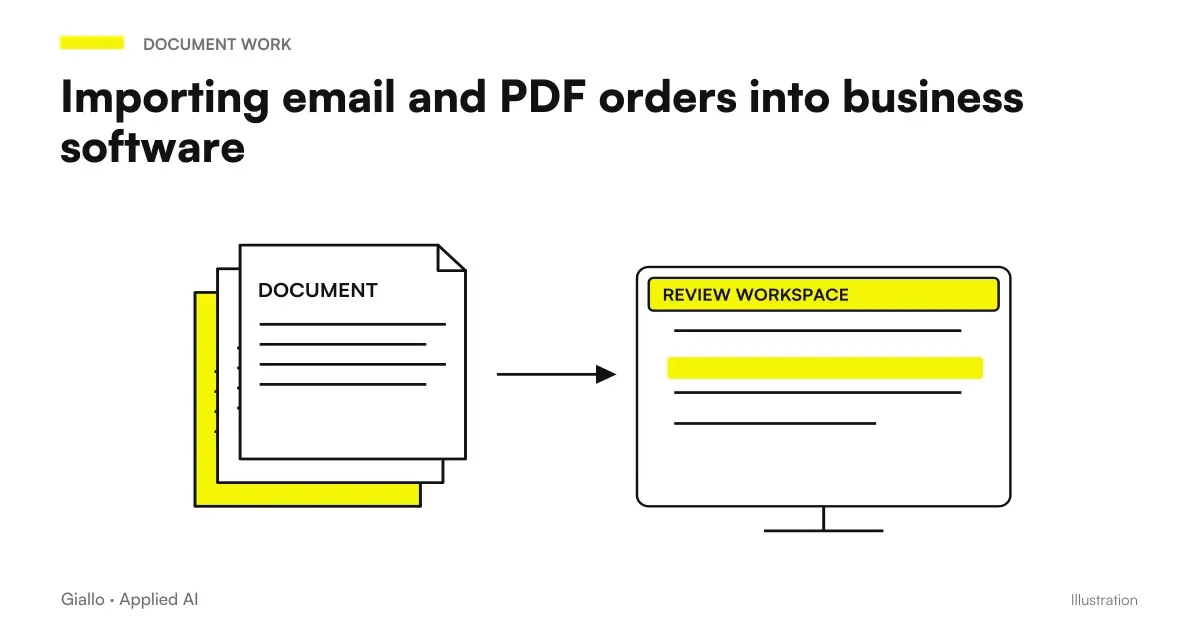 Import email and PDF orders into business software: AI, checks and confirmation
 Compare supplier quotes with AI: prices, quantities and terms on a common basis
FAQ
What does AI check in a supplier's order confirmation?
It compares the confirmation line by line with the purchase order issued: code, revision, quantity, unit, price, discounts, delivery date and terms. The result is a list of differences to show the buyer, not an automatic acceptance.
If the confirmation changes the price or date, is the order still valid on my terms?
Not necessarily. Under the Italian Civil Code, an acceptance that does not match the proposal counts as a new proposal (art. 1326 of the Italian Civil Code). That is why every difference must be seen and handled by a person, with legal counsel or the framework agreement as the reference in doubtful cases.
Do I need an ERP with APIs to get started?
No. You only need to be able to export open purchase orders and receive confirmations in a dedicated mailbox. A direct ERP connection is considered later, once the comparison has proved it finds the right differences.
Can the agent update the delivery date in the ERP on its own?
Better not, at least at the start. The date confirmed by the supplier affects planning and promises to customers: the agent prepares the update, and the buyer or planning approves it.
What happens if the confirmation does not arrive?
A missing confirmation is data too. The workflow keeps a list of orders with no confirmation beyond the time agreed with each supplier and drafts a reminder for the buyer.
How do you measure whether it works?
On confirmations already processed in the past: how many real differences it finds, how many it misses, how many false alarms it produces and how long the buyer needs to clear the queue. A single average percentage hides the errors that cost money.