Skip to content
Giallo

AI for public administration: agents prepare the case file, while the official decides.

How is AI used in the offices of a public body?

AI for public administration works best in the back office: AI agents that classify certified email (PEC), propose which office to assign it to, summarize case files and prepare draft replies. Giallo Studio designs them to measure with Claude, GPT and Gemini, connected to the electronic records registry, and leaves every administrative decision to the officer responsible for the procedure.

We write for general secretaries, senior managers, digital transition managers and heads of office at public bodies, agencies, consortia and publicly owned companies. Here you'll find the agents we build for internal work, the model chosen for each task, the points where the agent stops and the data rules we follow. Citizen-facing front desks for municipalities have a separate page.

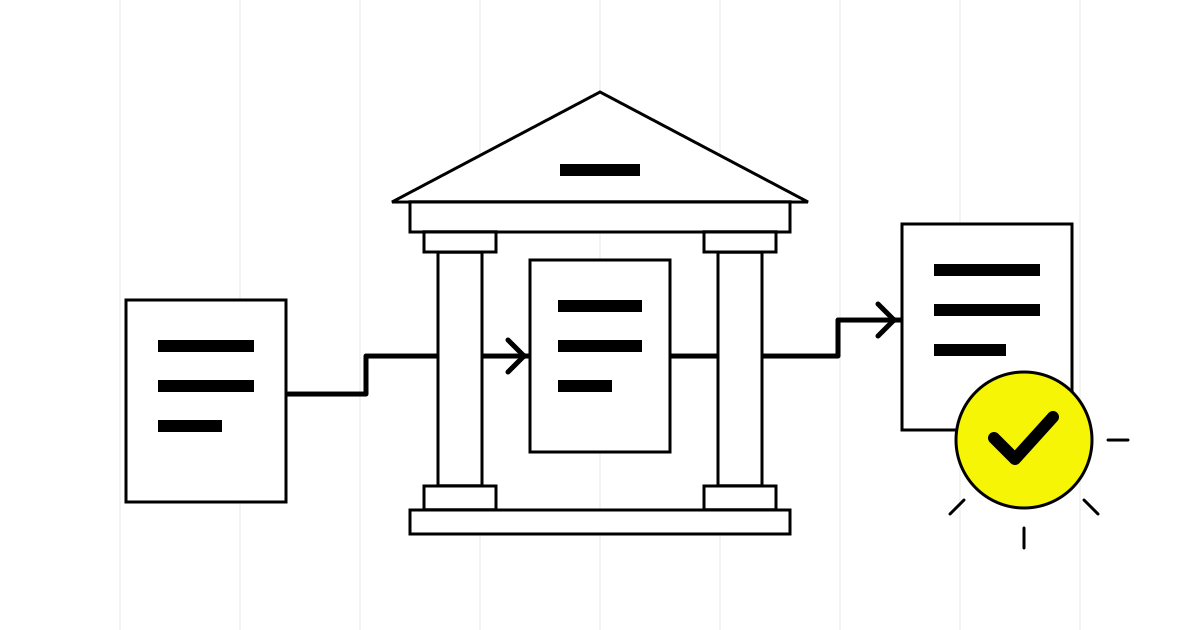
A classical portal with white columns crossed by an orderly flow of documents. A yellow seal with a check mark stands for the cases verified by the AI agent for public administration

The AI agents we design, one by one.

The PEC sorting and records registry agent at work: it reads the message that arrived in the inbox, extracts sender, subject and related case, and proposes the file plan entry and office; the registry stamp comes down only after the clerk confirms, while advertising is set aside without being discarded.

PEC sorting and records registry agent

Reads messages and attachments, proposes the classification, case file and assigned office, and prepares the data for the registry entry.

On every message that enters the public body's certified and ordinary email inboxes.

  • Electronic records registry
  • PEC inboxes
  • Classification file plan
Gemini Flash
There are many messages and almost all are short: it takes a fast model that also reads scanned attachments and assigns a class to each message without slowing down the registry.
GPT
Returns the extracted data in a rigid schema, field by field, which the connector checks before proposing it in the registration form.
How it works, step by step
  1. Receives the message from the PEC inbox through the connector and opens the attachments, even when they are scans.
  2. Extracts the sender, subject, references to cases already open, and any tax codes or VAT numbers in the text.
  3. Proposes the file plan entry and the competent office according to the rules written with the records management officer.
  4. Flags messages that aren't applications, such as advertising or duplicates, without discarding them.
  5. Presents the proposal to the records clerk, who confirms, corrects or assigns it differently.

Who approves. The clerk always confirms the registry entry and the assignment to the office: the agent prepares the proposal, it doesn't write in the registry.

Case file summary agent

Reads all the documents in the case file and prepares a summary with a timeline, missing items and points to verify, always citing the source document.

When the officer takes over a case or receives additional documents.

  • Document management system
  • Electronic case file
  • The public body's regulations
Claude Opus
Reasons over long case files with mixed attachments and keeps what's written in the documents separate from what's missing: it's a task of quality, not volume.
Gemini
We use it when the case file contains many scans, floor plans or tables, or when the public body already works in Google Workspace and the documents are on Drive.
How it works, step by step
  1. Collects from the document management system the case file records that officer is authorized to see.
  2. Rebuilds the timeline of applications, requests for additional documents, opinions and communications.
  3. Compares the documents present with the list of those required by the applicable regulation or call for applications.
  4. Lists inconsistencies and open questions, each with a reference to the document and page.

Who approves. The summary is a working tool for the officer: it doesn't go into the case file and doesn't become the grounds for an act without the officer checking the sources cited.

Records access agent

Proposes the type of access, identifies the affected third parties and the data to redact, and prepares drafts of the required notices.

When a request for documentary access or civic access arrives.

  • Access register
  • PEC inbox
  • Document archive
Claude Sonnet
Follows long, precise rules on the limits to access and writes sober notices in the administrative register the office already uses.
GPT
Identifies and marks personal data in documents with structured output that the redaction tool can apply, always under human control.
How it works, step by step
  1. Reads the request and proposes whether it is documentary access, simple civic access or generalized civic access, explaining the elements it is based on.
  2. Searches the requested documents for names, addresses and other third-party personal data.
  3. Prepares the draft notice to the affected third parties and the draft reply to the requester.
  4. Proposes redactions on the copies, which the office checks page by page.
  5. Updates the access register with the status of the request.

Who approves. Granting, deferral or refusal is decided by the officer responsible for the procedure, who signs every notice and checks every redaction before release.Source

Draft reply agent

Writes a draft based on precedents approved by the office and sources specified by the manager, ready for review by whoever signs.

When an office has to answer requests for clarification, reminders or notes from other administrations.

  • Archive of approved replies
  • The public body's office suite
  • Custom connector
Claude Sonnet
Writes clear administrative Italian and respects the ban on inventing references: if a source isn't among the authorized ones, the draft says so.
Codex
It doesn't read the cases: it writes and maintains the connector to the records registry and archive, with the code reviewed by our team before every release.
How it works, step by step
  1. Recognizes the type of request and retrieves replies already approved for similar cases.
  2. Assembles the draft with the wording and references chosen by the office, without adding rules not found in the authorized sources.
  3. Flags when a request falls outside the expected cases and has to be written by a person.
  4. Puts the draft in the officer's queue, noting the precedents used.

Who approves. No draft leaves the public body without the signature of the competent officer or manager, who remains its author in every respect.

Before and after the agent, in everyday work.

The institutional PEC inbox never empties

Today. Every morning, the records clerk opens applications, formal notices, invoices, communications from other public bodies and messages sent there by mistake, reads the attachments to understand the subject and decides which office to assign them to.

With the agent. The agent reads the message and attachments, proposes the subject, the classification under the file plan and the competent office; the clerk confirms or corrects, and the registration remains the clerk's act.

The case file is long and the deadline is close

Today. The case officer rebuilds by hand who wrote what, which documents are missing and which opinions have arrived, leafing through scanned PDFs and chains of internal emails.

With the agent. An agent prepares a case file summary with a timeline, documents present and missing, and open questions, each with a reference to the document it comes from: the officer checks sources instead of looking for them.

Requests for access to records arrive in every form

Today. Documentary access, simple civic access and generalized civic access get mixed up in the same inbox; working out what kind of request it is, who the affected third parties are and which deadlines apply takes a careful reading every time.

With the agent. The agent proposes the type of access, highlights third-party personal data in the requested documents and prepares the draft notice to the affected third parties, which the office reviews and signs.

The same replies written from scratch every time

Today. Requests for clarification, reminders and questions from other public bodies get almost identical replies, rewritten by different people with different wording and references.

With the agent. Replies start from drafts built on precedents the office has approved, with the legal references the manager has chosen; whoever signs works on the substance, not the form.

Frequently asked questions, straight answers.

There's no single one that works for everything. To classify large volumes of mail we use fast models such as Gemini Flash, for long case files Claude Opus, for extracting data into rigid schemas GPT; the final choice is made during testing, on the public body's own cases.

Rarely on its own. A public administration chatbot answers the outside world, but the work piles up inside: records registry, case reviews, access requests. For municipal front desks serving citizens we have a dedicated page; here we work on the back office.

No. A virtual assistant for public administration prepares classifications, summaries and drafts; registration, assignment and signature remain acts of an identified person, with the credentials and responsibilities they already have.

In most cases, yes. The agents connect to the records registry and document management system through APIs, interoperability services or exports, if the software offers them; if those are missing, we start from the PEC inbox and the registry stays as it is.

It depends on the body's procurement rules. In the first call, we find out which route the procurement office follows and prepare the technical and data documentation needed for the review.

How we work with you.

  1. A week of incoming mail

    We start from the PEC inbox and the records registry: with the office, we look at what kinds of messages arrive, which ones get misassigned and where the work stalls.

  2. Rules with the records management officer

    The filing plan, offices and cases the agent does not handle are written down together with the person responsible for the registry.

  3. Integration with the systems in use

    We check what the records registry and document management system expose through APIs or exports, if the software offers them, and build connectors with permissions limited to the office involved.

  4. Testing on closed matters

    We test the agents on case files already closed and messages already registered, compare models and measure with the office how many proposals need correcting.

  5. Training for the offices

    Together with the agents we deliver user instructions and a session with the offices: everyone knows what the agent proposes and what remains to be decided.

Your public body's back office, the first agent

Tell us how PEC messages, applications and access requests reach your public body today: we'll suggest the first agent to test on closed cases and tell you which systems it needs to connect to.

Prefer the full form? Go to the contact page.

No spam or sales pitches. Response within 1 business day.

We use this data to contact you and, if we work together, to manage the project. We store it in Giallo's internal management system, on servers in the European Union, where only our team can see it; by email we only receive a notice, without your data. If you do not become a client, we delete it 3 months after our last contact. Details and your rights: privacy policy.

Do you prefer to write or call us?

AI agents for public administration

Which office of your public body do you want to start with?

Tell us how PEC messages, applications and access requests reach your public body today: we'll suggest the first agent to test on closed cases and tell you which systems it needs to connect to.