Skip to content
Giallo

AI for schools: shorter lines at the school office, more time for the classroom.

How can a school use AI without exposing students?

AI for schools works best away from the classroom: AI agents that rewrite notices clearly, answer parents about enrollment and schedules, sort school office paperwork and prepare materials the teacher reviews. Giallo Studio designs them to measure with Claude, GPT and Gemini; grades, assessments and student data stay with people.

We write for principals, DSGAs (school administrative directors), administrative staff and digital coordinators at state and accredited private schools. We start from the four activities that eat up the day of the school office and the teaching staff, setting today's version next to the one with the agent; for each we state the model and the boundary on student data, stricter for the youngest pupils.

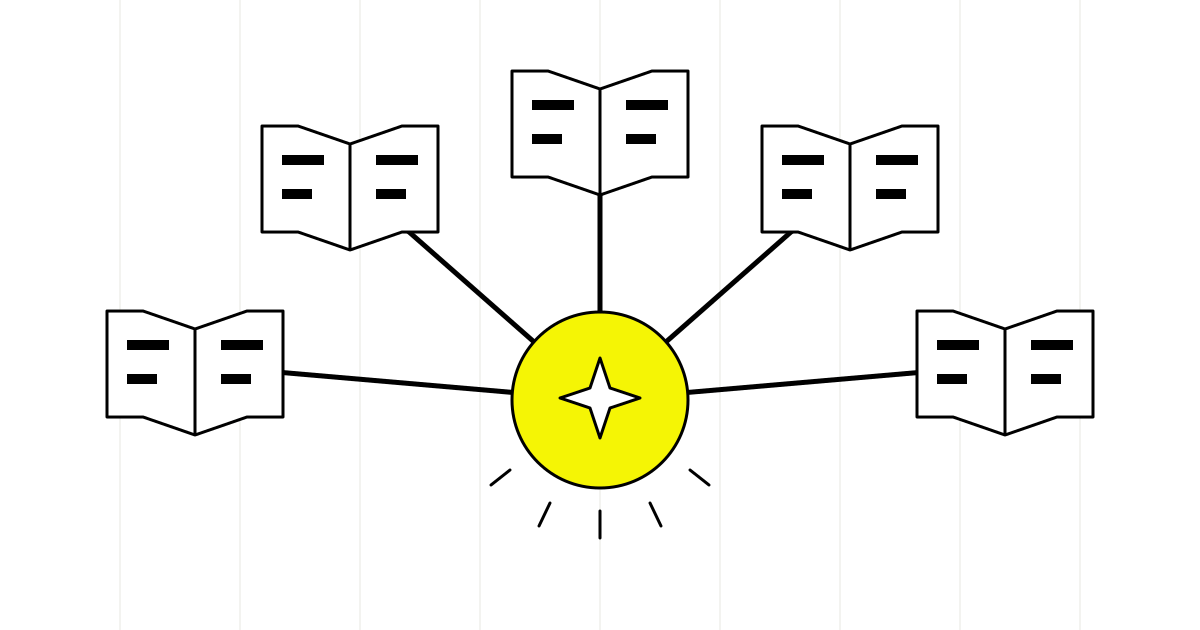
Five open white books form a semicircular classroom. A glowing yellow sphere at the center links each book with a beam, a symbol of shared knowledge

Before and after the agent, in everyday work.

Nobody reads school notices all the way through

Today. The notice goes out in administrative language, with references and attachments, and parents write to the school office to ask what they need to do and by when.

With the agent. The notice goes out with a plain-language summary written by the agent and approved by the principal's office, and parents find at the top what to do and where to do it.

The student services office answers the same questions over and over

Today. Administrative staff interrupt their paperwork to answer the phone about teacher meeting hours, textbooks, school meals, early dismissals and electronic register login details.

With the agent. Recurring questions get answered on the website and by email from sources approved by the school, and staff receive only the cases that concern a specific student.

Paperwork arrives in different formats

Today. Transfer clearance requests, certificates, enrollment applications and staff communications arrive by PEC, email and paper, and every document has to be read and entered by hand into the school office software.

With the agent. The agent reads incoming documents, proposes the type of case and the data to record, and pre-fills them in the software's form, where the staff member checks and confirms.

Teachers prepare materials in the evening

Today. Adapting a lesson for a mixed-ability class, preparing graded exercises or a simplified version of a text gets done at home, after lessons and meetings.

With the agent. The teacher asks the agent for a first version of the materials starting from their own curriculum and corrects it: time goes into teaching choices, not typing.

The AI agents we design, one by one.

The family notices agent at work: the dense notice becomes a clear summary, then fans out into the families' languages with the same deadline on every sheet; the electronic register and the website receive it only after the principal's office approves.

Family notices agent

Writes a clear summary of the notice with the actions required, the deadlines stated in the text and the channel to use, and translates it if needed.

When the principal's office prepares a notice or announcement for families.

Connects to: Electronic register · School website · Google Workspace for Education or Microsoft Teams

  1. Reads the notice and its attachments exactly as the office wrote them.
  2. Extracts what families need to do, by which date stated in the text and on which platform.
  3. Writes the summary in plain Italian and, on request, in the languages most spoken by the school's families.
  4. Queues the summary and translations for the principal's office, which approves them before they're published on the electronic register and the website.
Claude Sonnet
Writes short, precise texts without adding information the notice doesn't contain: this agent's main rule is never to invent deadlines.
Gemini
We choose it when the school works in Google Workspace for Education and notices and drafts live in Docs and Drive.

Who approves. No summary or translation is published without the approval of the principal or whoever signs the notice; the original text always prevails.

Parents' questions agent

Answers parents on general school information and passes anything concerning a specific student to the school office.

Throughout the year, and especially during enrollment, the start of lessons and parent-teacher meetings.

Connects to: School website chat · School office email inbox · School information pages

  1. Introduces itself as the school's automated assistant and gives the school office hours.
  2. Answers about schedules, enrollment, the calendar, school meals, textbooks and register access using only approved pages.
  3. Doesn't ask for or process student data: if a parent mentions grades, absences, health or behavior, it forwards to the school office.
  4. Prepares a summary of the request for the staff member, so the answer comes without having to call the parent back.
Claude Haiku
Parents' questions are short and cluster in the same periods of the year: it takes a fast, low-cost model that can handle the peaks.
Claude Sonnet
Steps in on longer or tense messages, where tone matters and so does recognizing that the question concerns a single student and must go to a person.

Who approves. The school office approves the information sheets the agent answers from and the list of topics that always go to a staff member.

School office paperwork agent

Recognizes the type of case, extracts the useful data and pre-fills it in the school office software for the staff member to confirm.

For every document that reaches the school office by PEC, email or scan.

Connects to: Digital school office software · Electronic records registry · School PEC inbox

  1. Reads the incoming document, scanned ones included, and proposes the type of case: enrollment, transfer clearance, staff request, communication from another school.
  2. Extracts the fields needed for recording and flags any that are missing or unreadable.
  3. Excludes from extraction medical certificates and documents on disabilities or learning disorders, which stay with the office only.
  4. Pre-fills the data in the school office software form and in the records registry, where the staff member checks them.
GPT
Extracts data into a rigid schema from forms and scans that always differ, with an output the connector validates field by field.
Codex
Writes and maintains the connection to the school office software through APIs or exports, if the software offers them; it doesn't read student documents.

Who approves. Recording, registry entries and every communication to families or other schools are confirmed by the administrative staff member; the agent sends nothing on its own.

Teaching materials agent

Proposes working materials based on the teacher's curriculum and instructions, without receiving any student data.

When a teacher prepares a teaching unit, graded exercises or a simplified version of a text.

Connects to: Teachers' workspace · Subject curriculum plan · Adopted textbook

  1. Receives from the teacher the topic, class level and objectives, with no names or information about students.
  2. Proposes a lesson outline, multi-level exercises and comprehension questions.
  3. Rewrites a text in a simplified or high-readability version when the teacher asks.
  4. Always cites the sources used, so the teacher can check the content before taking it into class.
Claude Opus
Reasons over long curriculum plans and keeps objectives, levels and exercises consistent across an entire teaching unit.
Claude Sonnet
For quicker requests, like a simplified version of a text, a lighter model that writes clearly is enough.

Who approves. The teacher chooses what to use in class and remains the sole author of assessment: the agent doesn't grade tests and doesn't assign marks.

How we work with you.

  1. A school office day during enrollment season

    We observe requests when the workload is highest, to see which questions keep coming back and which paperwork weighs on the administrative staff.

  2. Written boundaries with principal, DSGA and DPO

    Together we decide which data the agent never sees, who approves each text for families and which platforms the school already uses should be connected.

  3. Testing with staff, not students

    Testing is done by the school office and teachers on notices and cases already closed; students don't interact with the agents we build.

  4. Short training for the people who use it

    One session with school office staff and teachers on what to ask the agent, how to check its proposals and how to report an error.

Which AI model we use, and for which task.

We don't tie you to a single provider: we work with Claude by Anthropic, GPT and Codex by OpenAI, and Gemini by Google, and we choose the version during testing, on your own cases.

Claude Sonnet

  • Family notices agent. Writes short, precise texts without adding information the notice doesn't contain: this agent's main rule is never to invent deadlines.
  • Parents' questions agent. Steps in on longer or tense messages, where tone matters and so does recognizing that the question concerns a single student and must go to a person.
  • Teaching materials agent. For quicker requests, like a simplified version of a text, a lighter model that writes clearly is enough.

Gemini

  • Family notices agent. We choose it when the school works in Google Workspace for Education and notices and drafts live in Docs and Drive.

Claude Haiku

  • Parents' questions agent. Parents' questions are short and cluster in the same periods of the year: it takes a fast, low-cost model that can handle the peaks.

GPT

  • School office paperwork agent. Extracts data into a rigid schema from forms and scans that always differ, with an output the connector validates field by field.

Codex

  • School office paperwork agent. Writes and maintains the connection to the school office software through APIs or exports, if the software offers them; it doesn't read student documents.

Claude Opus

  • Teaching materials agent. Reasons over long curriculum plans and keeps objectives, levels and exercises consistent across an entire teaching unit.

How we choose between models: the best AI model for agents.

Frequently asked questions, straight answers.

No. The school chatbot answers only on general school information; a student's grades, absences, health and behavior always go to the school office or the teacher, who reply through official channels.

No. They prepare assignments, exercises and simplified texts that the teacher reviews; marking and grades stay with the teacher.

Not in the projects we build: we prefer agents for staff and families, where the time saved in the school office shows right away.

It depends on what the register exposes. If it offers APIs or exports, we use them with limited permissions; otherwise the agent works on the website, email and documents, and the school office enters what's needed in the register.

With the school office. Clear notices and answers to parents' recurring questions lighten the administrative staff's load right away and don't touch student data; materials for teachers come later.

Your school office, your first agent

Tell us which questions reach the school office most often and how notices go out today: we'll propose your first agent, with the boundaries on student data already written.

Prefer the full form? Go to the contact page.

No spam or sales pitches. Response within 1 business day.

We use this data to contact you and, if we work together, to manage the project. We store it in Giallo's internal management system, on servers in the European Union, where only our team can see it; by email we only receive a notice, without your data. If you do not become a client, we delete it 3 months after our last contact. Details and your rights: privacy policy.

Do you prefer to write or call us?

AI agents for schools

What would you like to take off your school office's plate?

Tell us which questions reach the school office most often and how notices go out today: we'll propose your first agent, with the boundaries on student data already written.